


For a long time our shop's FAQ did not live on the website. It lived in the circles under our bio: shipping, returns, opening hours, each a stack of stories posted after the same question came in once too often. The circles answered so I did not have to.
And I kept no copy of any of it.
I had read Instagram's Help Center the way I wanted to. Highlights stay "until you remove them, even after the original story has disappeared". Permanent, then. Permanent enough that the folder meant for the FAQ artwork stayed empty, and I never thought of that as a decision.
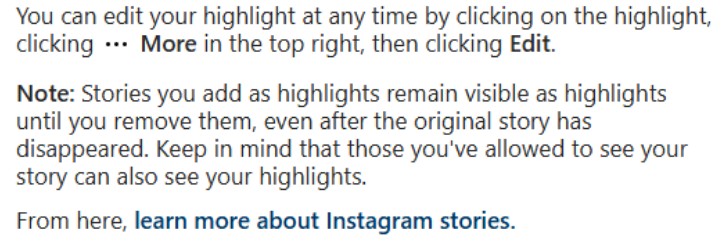
Instagram's Help Center: stories added to your profile stay visible until you remove them, even after the original story has disappeared, and anyone allowed to see your story can see them too
The answers I stopped typing
Nothing about this is clever. Plenty of guides already tell shops to do it, and they are right: a story under the bio answers the usual questions before anyone hits send.
What I had not thought about was what the row is made of.
A story is gone in 24 hours unless it goes onto that row. The row is a shelf, stocked from the Stories Archive. Both sit inside one account, under rules I did not write.
What the archive is allowed to do
The rule that changed my habit is short. Some stories "may be changed when they are saved to your archive", the Help Center says, which can mean "muting music or freezing videos or gifs". Then: "These changes are permanent", and they may affect photo stories with a music or gif sticker. That describes our FAQ row more closely than I would like.
I read that twice. The page is about the archive and says nothing about stories already in a Highlight, so I will leave it there. Every story in our FAQ row still passed through that archive.
With the archive switched off, new stories "will be deleted after 24 hours". And, flatly: "Stories Archive and Highlights aren't available for all accounts."
So the FAQ I was proud of lived inside one account, on a feature not promised to everyone, after a step Instagram says can change some of it for good. That is a lot of trust to put in a row of circles.
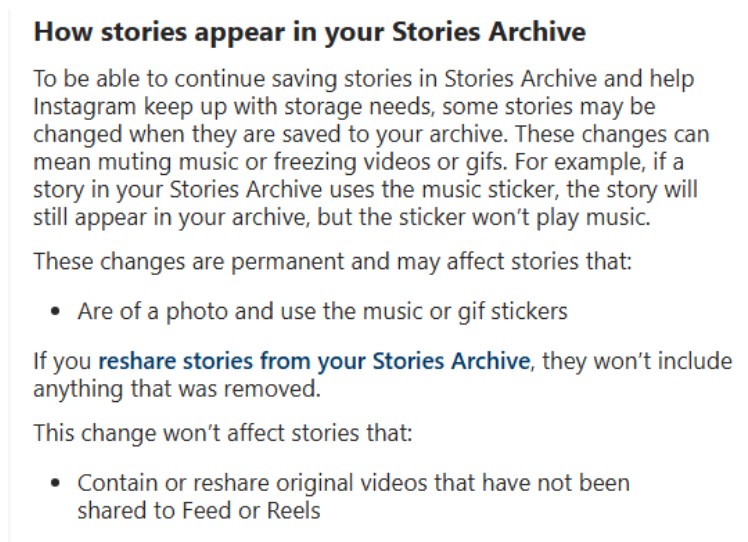
The Help Center section on how stories appear in the Stories Archive: some may be changed, the changes are permanent, and the page lists which stories they may and won't affect.
My own copy
The habit is small. The day an FAQ story goes up, I save a copy while it is live, before the archive step. It goes in a folder the shop controls, named for the question it answers.
With the brand login in hand, Instagram's own route comes first: Archive, select the story, Options, "Save photo or Save video". It is first party, documented, needs no outside site, and covers every archived story, whether or not it made the shelf.
Often the login is not in my hand. It lives on a phone that is not mine. On those days I open a story saver in the browser, type our public username, and get the profile with its Posts, Stories, Highlights and Reels tabs, no sign-in form in the way. The site says you can download "any stories or highlights" there, as long as you are "confident that it is viewable to the public". Ours is, and ours is the only account I would type into that box.
I will not pretend this matches the archive. It is the fallback for days when the login is somewhere else.
Whether a copy keeps music the archive would have muted, I cannot tell you. Mine were taken before the archive had its turn.
"Until you remove them" is a true sentence. It is also written on Instagram's terms: Instagram decides what the archive may do to a story and which accounts get the feature. A Highlight is permanent on those terms. The copy in our folder is permanent on mine, and on a support desk that is the only kind of permanent I get to decide.

