


Most roundups of the best HRIS platforms for large multinational organisations rank software by feature count. For UK enterprises, that is rarely the deciding factor.
A company with thousands of employees spread across the UK, Germany, Ireland, and other markets rarely struggles because a vendor lacks a specific module. Problems arise when workforce data becomes fragmented across regions, payroll systems, and business units, leaving leadership to reconcile conflicting reports from multiple sources.
At this scale, the question shifts from what a platform can do to whether decision-makers can trust the information it produces. Headcount planning, compensation reviews, succession planning, and board reporting all depend on a single, reliable source of workforce data. The platforms below stand out for maintaining one consistent people dataset across countries, legal entities, and departments.
Our evaluation focuses on two factors: whether each platform maintains a consistent job architecture across every entity and region, and whether reporting reflects current workforce data in real time rather than delayed synchronisation. Each entry also includes pricing where available, verified G2 and Capterra ratings, and at least one documented drawback to help buyers make an informed shortlist.
You can trust these HRIS evaluations
These rankings draw on vendor documentation, verified G2 and Capterra reviews, and the recurring patterns that surface when HR teams describe running these systems at scale. The focus stays on multinational reality: many legal entities, several currencies, and the cross-border reporting that breaks fragmented tools first.
Compare the top HRIS systems for large multinationals
What separates an HRIS that scales from one that buckles
Two capabilities decide whether an HRIS survives under real pressure. The first is consistent job architecture: every role, level, and reporting line is defined once and applied across all entities, so a "senior analyst" in Berlin maps to the same structure as one in London. Without it, headcount reports drift and pay-equity analysis collapses. The second is analytics that read live data rather than a nightly export. A group HR director who waits a day for a refresh, then reconciles three regional extracts by hand, isn't running on data. They're running on a guess with a timestamp. The platforms that scale treat both as core, not as premium add-ons sold per entity.
1. HiBob (Bob)
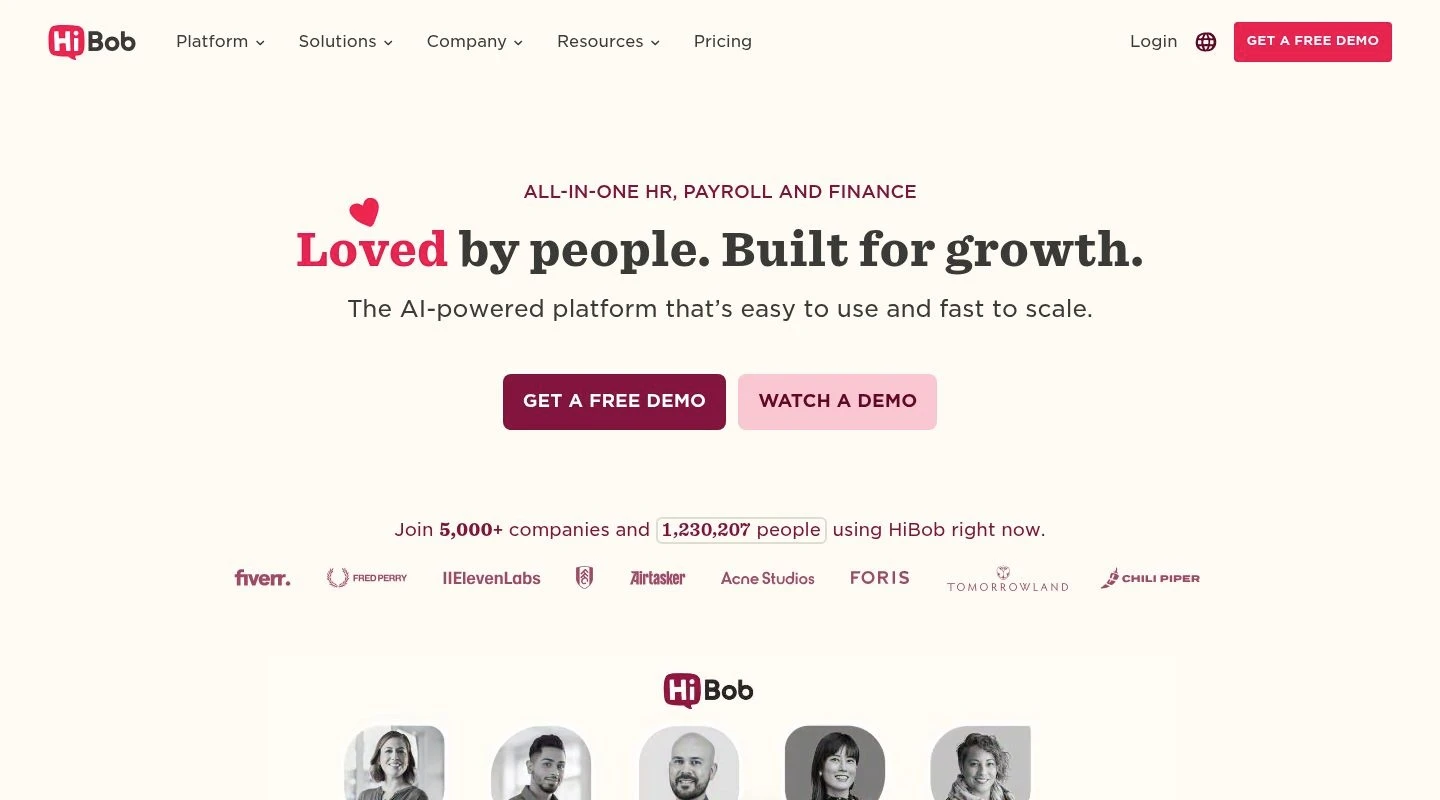
Bob, the HRIS from HiBob, builds the whole product around one connected people dataset, which is the exact thing that fractures first at multinational scale. Every entity feeds the same core, and a unified job architecture defines roles, levels, and reporting lines once so they hold their meaning whether the employee sits in London, Frankfurt, or Sydney. A group HR lead gets headcount, attrition, and cost figures that reconcile across regions without a manual merge, because the underlying records never split in the first place.
Who is Bob best for?
Large and multinational organisations that need one governed source of truth across entities, paired with analytics their HR and finance teams can act on the same day.
Why I picked Bob
I ranked Bob first because its data layer answers the question that sinks most cross-border HR projects: can you trust a single number across every region? Real-time dashboards read straight off the unified core, so a people analytics lead pulls turnover by entity, country, or job family without exporting and stitching files together. Skills and role context travel with each record through Bob's analytics, so a workforce report holds its shape whether it's split by department in one country or summed across the group. Deployment tends to land in weeks where the bigger suites count on a multi-quarter programme. The honest limitation: HiBob keeps pricing off its site, so a budget figure needs a sales call before you can size cost against a 4,000-person headcount.
Bob key features
- Unified job architecture: Roles, levels, and reporting lines defined once and applied across every legal entity.
- Real-time dashboards: Live workforce reporting that reads off the connected core instead of overnight batch extracts.
- Skills and role context: Capability data tied to each record, so analytics stay coherent across regions and job families.
- Policy-based workflows: Joiner, mover, and leaver processes that respect local sign-off chains while reporting into one group view.
- Audit-ready history: A complete trail of people and policy changes across all entities.
Bob integrations
Integrations include Slack, Microsoft Outlook, Google Calendar, Zoom, LinkedIn, Go1, Okta, and a marketplace of connectors plus open APIs and SSO with attribute-based sync.
Pros and Cons
Pros:
- One people dataset that reconciles across entities without manual merging
- Live analytics that report the same day rather than overnight
- Fast deployment measured in weeks, not many months
Cons:
- Pricing isn't published, so budgeting requires a sales conversation
2. Rippling
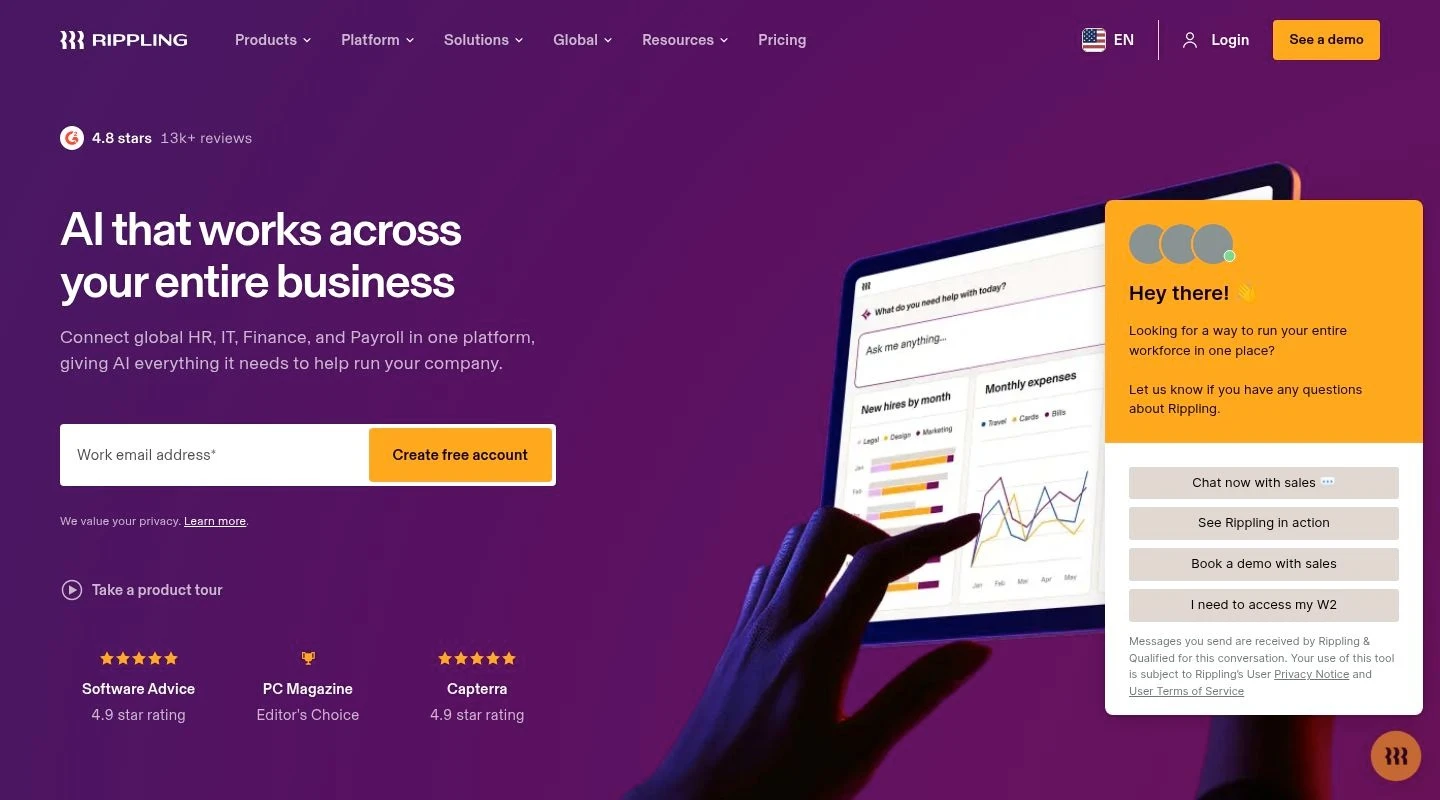
Rippling folds HR together with IT, so onboarding a new hire can trigger payroll, benefits, a laptop, and app access from one workflow. For a tech-led multinational that wants devices and software accounts provisioned the moment someone signs, that crossover saves real coordination hours per hire.
Who is Rippling best for?
IT-led, distributed companies that value device and app automation alongside their core HR and payroll.
Why I picked Rippling
Rippling earns its place on the strength of that HR-and-IT unification, which few rivals match. The catch matters for an HR-first buyer. Reviewers describe HR functionality feeling secondary to the platform's IT and spend-management origins, with engagement tooling lighter than dedicated HRIS rivals. G2 users also flag a steep learning curve from the sheer feature count, slow loading times during busy periods, and reporting that it's hard to bend to specific needs. For a large multinational ranking people analytics first, those reporting gaps are the part to test before committing.
Rippling key features
- Workflow automation: Provisions payroll, benefits, devices, and app access from a single hire action.
- Global payroll and contractor payments: Pay employees and contractors across markets with automated tax filing.
- Device and app management: IT provisioning tied to the employee record.
- Spend and expense controls: Corporate cards and expense tracking built in.
Rippling integrations
Integrations include Slack, Google Workspace, Microsoft 365, Okta, Greenhouse, QuickBooks, and hundreds more through its app marketplace.
Pros and Cons
Pros:
- Strong HR plus IT automation from one workflow
- Wide integration library
- Handles cross-border payroll and contractor payments
Cons:
- Reporting is hard to customise for complex needs
- Steep learning curve and slow loads during peak use
3. Workday
Workday runs HR, finance, and planning on one data model, which draws large multinationals that want headcount and cost forecasting beside core HR. Its Skills Cloud maps capabilities to roles, and the platform covers payroll and talent across many countries.
Who is Workday best for?
Finance-driven global enterprises with the budget and team to carry a lengthy rollout.
Why I picked Workday
The breadth is real, and at the top of the market few rivals match the shared HR-and-finance data model. The trade-off is the one that follows Workday everywhere. G2 reviewers point to a clunky interface and performance issues, a steep learning curve that needs dedicated training, and limited customisation that makes tailoring the platform harder than expected. Implementation runs into many months and demands a project team, and smaller multinational groups often find the weight exceeds their structure.
Workday key features
- Unified data model: HR, finance, and workforce planning on one foundation.
- Skills Cloud: Capability mapping for internal mobility.
- Multi-country payroll and compliance: Coverage and localisation across many markets.
- Embedded analytics: Workforce and financial reporting in one place.
Workday integrations
Integrations include major ERP and finance systems, identity providers, and a partner ecosystem aimed at enterprise estates.
Pros and Cons
Pros:
- Shared HR and finance data model for planning
- Deep multi-country coverage
- Strong fit for existing Workday Financials users
Cons:
- Clunky interface and steep learning curve reported by users
- Long, resource-heavy implementation
4. ADP Workforce Now
ADP earned its name on payroll precision and tax filing, and that heritage shows up wherever a multinational juggles dozens of statutory regimes at once. Core HR, payroll, benefits, time, and talent share one database, and because so many employers run ADP, an admin who learns it in one market carries the skill to the next.
Who is ADP Workforce Now best for?
Payroll-first multinationals that prize statutory filing depth over interface polish.
Why I picked ADP
When accurate filing in every jurisdiction tops the requirements list, ADP's track record keeps it on the shortlist. The reviews flag what that depth costs in daily use. G2 reviewers describe the interface as clunky and the report menu as hard to navigate, with newer users struggling to find functions. Support quality draws repeated criticism for slow responses during critical issues, limited customisation makes reports and workflows feel inflexible, and several teams report persistent pressure to add paid modules. For an analytics-led buyer, the reporting friction is the piece to scrutinise.
ADP Workforce Now key features
- Multi-market payroll and tax filing: Statutory coverage across many jurisdictions.
- Shared database: Core HR, payroll, benefits, time, and talent on one record.
- Dashboards: Reporting drawn from ADP's HR database.
- Mobile self-service: Pay, time off, and tasks on mobile.
- Configurable modules: Add capabilities as the organisation grows.
ADP Workforce Now integrations
Integrations include accounting, ERP, time-tracking, and benefits systems through ADP Marketplace.
Pros and Cons
Pros:
- Deep payroll and tax-filing coverage across markets
- Single database for core HR and payroll
- Portable skillset given ADP's market footprint
Cons:
- Clunky interface and hard-to-navigate reporting
5. Personio
Personio is a mid-market HR platform grown in European markets, where it handles administration, absence, and core records well for expanding teams. A multinational anchored in Germany or the wider EU benefits from that home-turf familiarity and local-language support.
Who is Personio best for?
European mid-market organisations that want solid HR administration with strong regional support.
Why I picked Personio
Personio handles the European HR-admin job well, which is why it appears on most UK and EU shortlists. The limitations show up as a group scales past the mid-market and beyond Europe. G2 reviewers cite missing features that affect adaptability, limited customisation, gaps in performance-management and feedback tooling, and reporting that needs external tools to customise. For a large multinational that wants deep workforce planning and analytics across regions, those gaps narrow its fit.
Personio key features
- Core HR records: Centralised employee data and document management.
- Absence and time tracking: Leave management with approval flows.
- Recruiting: Applicant tracking for European hiring.
- Payroll integrations: Connections to regional payroll providers.
Personio integrations
Integrations include DATEV, Slack, Microsoft Teams, and a range of European payroll and productivity tools.
Pros and Cons
Pros:
- Strong European HR administration
- Clean core records and absence handling
- Good regional support presence
Cons:
- Limited customisation and reporting that needs external tools
- Thinner performance management and workforce planning
Which HRIS scales best for large multinationals in 2026
The best HRIS for large multinational businesses is the one that holds a single trustworthy people dataset across every region and reports on it the same day. Bob takes the top spot because its unified job architecture keeps roles and records consistent across entities, and its real-time dashboards turn that clean data into analytics a group HR director can act on without a manual merge. Other solutions offer serious depth for the biggest or most payroll-heavy operations, but their price tags and rollout calendars fit organisations with the project muscle to match.
Frequently asked questions
How does an HRIS keep people data unified across multiple entities at scale?
A scalable HRIS sets job architecture a single time, then stamps the same roles, levels, and reporting lines onto every legal entity, so records don't split as fresh countries switch on. That shared structure is what makes a group figure mean one thing everywhere. Bob is built around this idea, pooling every entity into one connected dataset and sparing group HR the hand reconciliation that scattered tools demand as the company grows.
What analytics and reporting do large multinational businesses need from an HRIS?
Large multinationals need live, consolidated reporting that rolls headcount, attrition, and cost up across every subsidiary while still slicing by entity, country, and currency. The key is analytics that read off a unified core rather than overnight extracts, so the numbers stay current and consistent. Bob's real-time dashboards deliver this from one dataset, which is why HR and finance leaders can pull a defensible board report without exporting and stitching regional files.
What integrations should a multinational HRIS support?
Prioritise connections to payroll across each market, your finance or ERP system, identity and SSO providers, and the productivity tools your teams already use. Open APIs and attribute-based sync matter most at scale, because they keep records aligned without manual data entry. Confirm each integration is supported in every country you operate in, since coverage on a vendor's marketing map often outruns what it maintains in practice.
How does an HRIS handle security and compliance for cross-border operations?
Credible platforms ship GDPR compliance, fine-grained permissions, and logged audit trails by default, though where the data lives differs from one vendor and region to the next. Check upfront which servers hold employee records, who across the group can open them from another country, and how each of those views gets captured. A UK or EU multinational should raise residency and consent in the opening qualifying round, since a misstep there costs in both fines and trust.

