


Most online stores now write far more text than they used to — product descriptions at scale, marketing emails, live chat macros, FAQ pages, blog posts for SEO — and a growing share of that text starts with an AI draft. That's not a problem on its own. The problem shows up when a customer, a search engine, or a platform's own content filter can tell, and "sounds like a template" starts working against the brand instead of for it.
That's the gap two categories of tools now sit in: ones that check whether text reads as AI-written, and ones that rewrite it so it doesn't. For ecommerce and support teams producing content at volume, both matter more than they might expect.
Why "sounds AI-written" is a trust problem for online stores
A product page that reads like every other AI-generated product page doesn't just risk an SEO penalty — it risks a buyer bouncing to a competitor's listing that sounds like it was written by someone who's actually used the product.
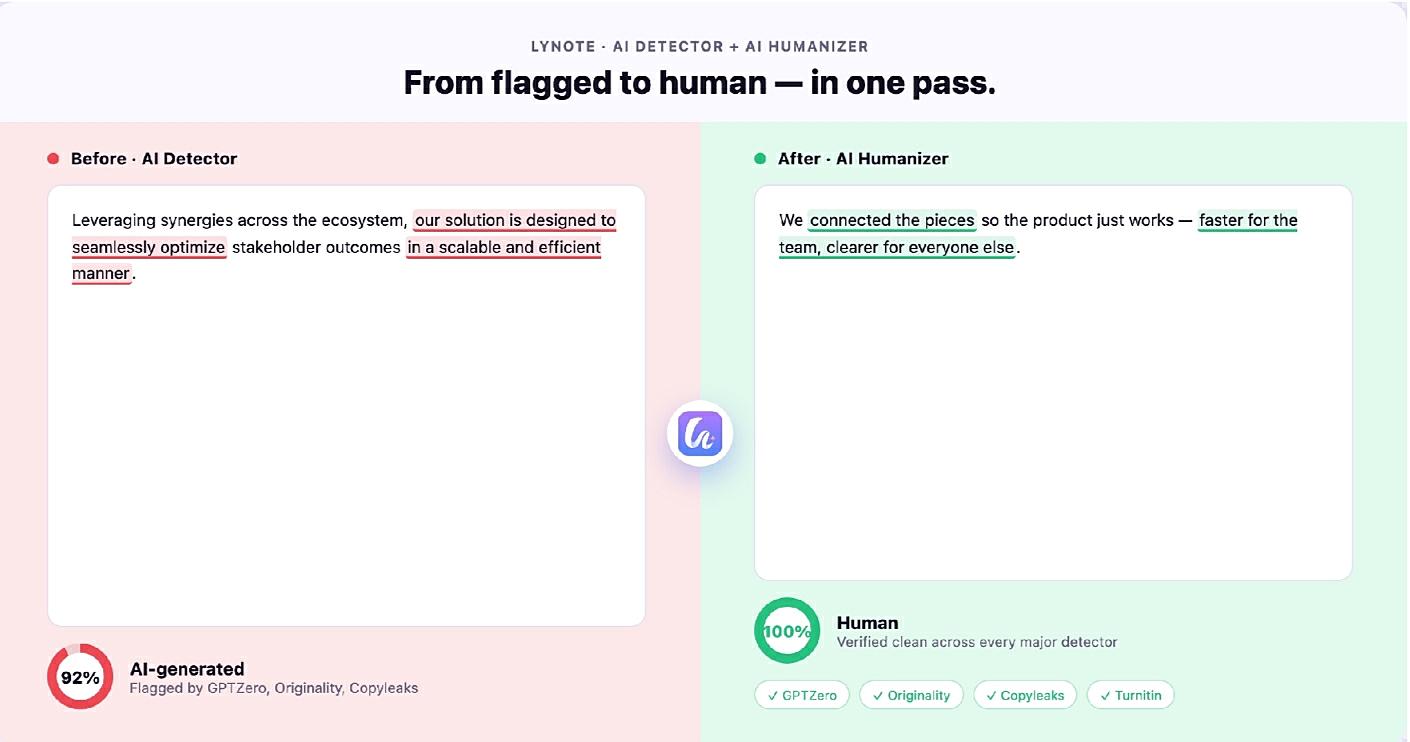
The same goes for support: a canned live-chat response that reads as obviously scripted and AI-flavored does less to reassure a frustrated customer than one that sounds like a person actually addressing their specific issue. This is where an AI detector becomes useful for reasons beyond academic integrity or plagiarism checks. Running your own product copy, email sequences, or support macros through a detector before they go live tells you which passages read as generic AI output rather than brand voice — before a customer or a search engine flags it for you.
Lynote's AI detector approaches this by analyzing rhythm, repetition, lexical variance, and predictability at the sentence level, rather than returning a single "AI probability" score for an entire page. It highlights exactly which sentences read as AI-written, AI-edited, or mixed, with model-specific signals for tools like ChatGPT, Claude, and Gemini. It also catches text that's been run through a paraphrasing tool, not just content generated from scratch — relevant for any team that's already tried a quick rewrite pass and assumed that was enough.
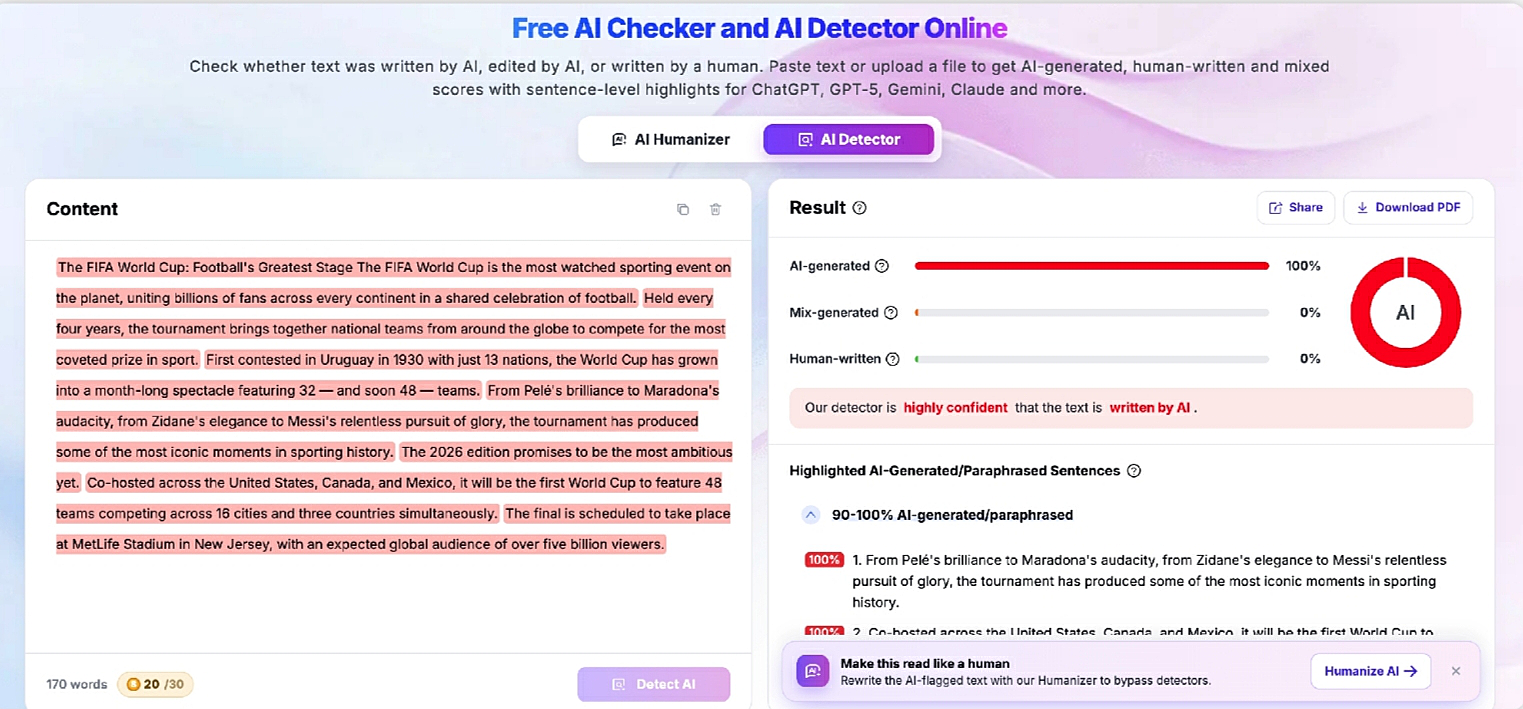
For teams comparing options, best ai detector is worth checking at lynote.ai/ai-detector: no sign-up required for a quick check, support for more than 50 languages (useful for stores selling into multiple markets), and a policy that submitted text isn't used to train the underlying models — a detail that matters when you're pasting in unpublished product copy or internal messaging templates.
Turning a generic AI draft into copy that sounds like your brand
Catching a generic-sounding draft is only half the workflow. The other half is fixing it without starting over from a blank page, which is where a humanizing tool earns its place — not as a way to mass-produce content, but as the step that takes a flagged paragraph and rewrites it at the sentence and paragraph level instead of swapping out individual words.
ai humanizer tools that work this way target the low perplexity and flat sentence rhythm that make AI text read as generic in the first place, rather than doing a surface-level synonym pass that a detector — or a reader — will catch anyway. Lynote's version offers three levels: a light pass for small adjustments, a standard pass for a more noticeable rewrite, and an enhanced pass built for stricter scanners. It's built to preserve the original meaning and any target keywords, which matters for product pages and blog content where SEO performance is the whole point of writing it, and the output is designed to pass plagiarism checks rather than read as spun content.
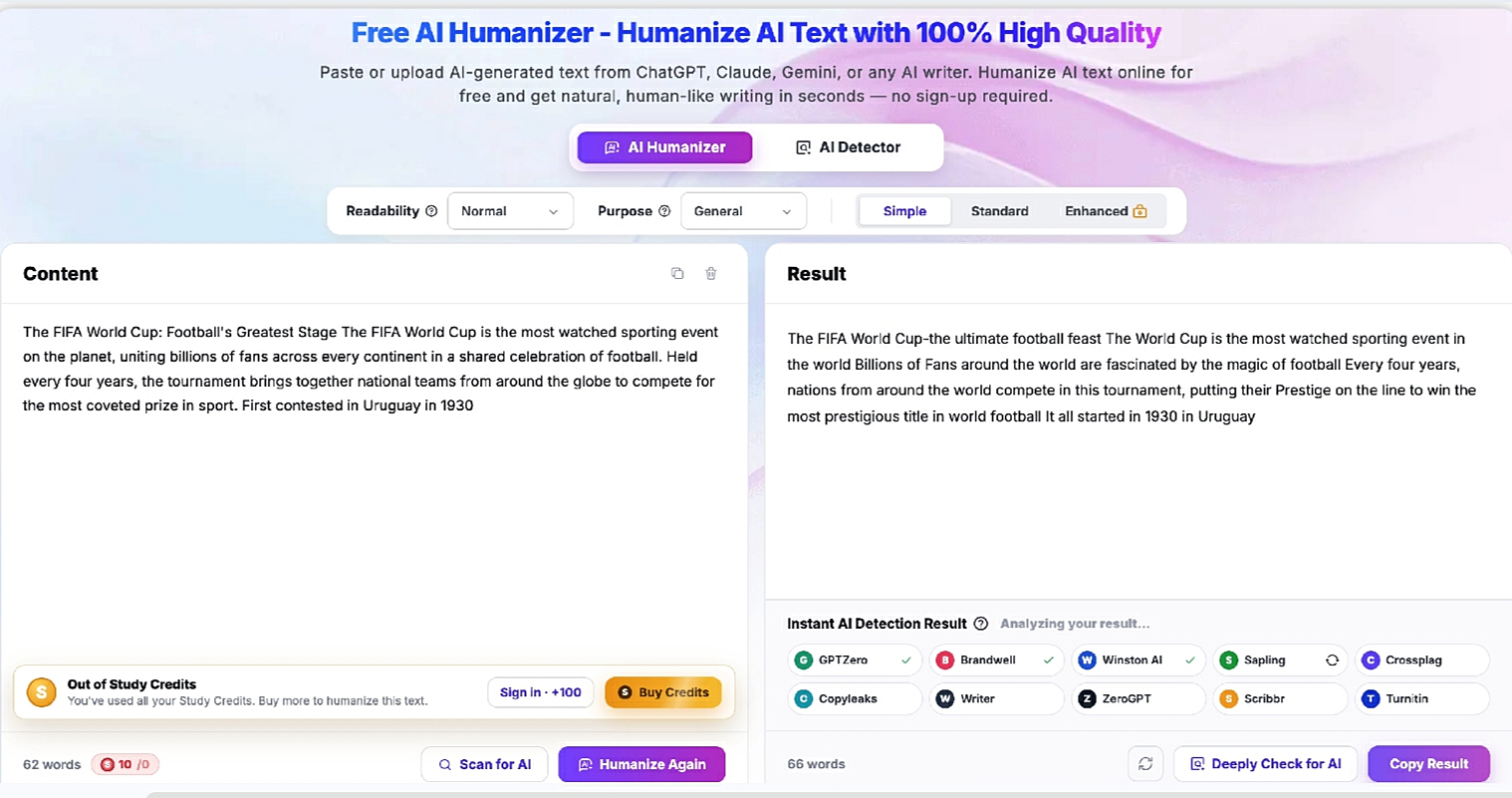
For a store running dozens or hundreds of product variants through an AI-assisted description workflow, that combination — flag what sounds generic, then fix only what's flagged — scales a lot better than manually rewriting everything or publishing it as-is and hoping no one notices.
Building this into an ecommerce content workflow
The practical version of this looks less like a one-time check and more like a step added to an existing process: draft with AI assistance as usual, run the draft through a detector before it's scheduled or published, and only send flagged sections through a humanizer rather than reworking the whole piece.
Support teams can apply the same logic to their macro libraries — a live chat response that's been sitting unedited since it was first generated is worth a second pass, especially for messaging that's customer-facing at high volume. This matters even more for stores selling across multiple markets, where the same product copy or support script often gets translated or localized before it reaches a customer. A generic-sounding English draft tends to translate into an equally generic-sounding version in whichever language it lands in, which is one reason multi-language coverage in both the detection and rewriting step is worth checking for rather than assuming it's included.
None of this replaces having an actual brand voice guide or a human editor somewhere in the loop. What it does is catch the version of AI-assisted content that reads as obviously automated before a customer or a search engine does it for you — which, for a business that lives on repeat buyers and organic search traffic, is worth the extra step

