Infographic generators are online tools that help users turn text, data, statistics, and other information into visual content. Most infographic generators offer templates, drag-and-drop editors, charts, icons, images, and customization options.
Modern AI infographic generators can automate parts of the process by generating layouts, summarizing information, creating visual elements, or turning existing content into editable designs.
Whether you need an infographic for marketing, education, business reporting, social media, or internal communication, the right tool can make visual content creation faster and easier.
What Is an Infographic Generator?
An infographic generator is a design tool that helps users create visual representations of information. Instead of building every element from scratch, users can start with a template, add text and data, customize the layout, and export the finished infographic.
An AI infographic generator adds artificial intelligence to this workflow. Depending on the platform, AI can generate infographic designs, summarize source material, create images, recommend visualizations, or transform text into visual content.
The terms infographic generator and infographic maker are often used interchangeably. Both generally refer to tools that help users create infographics, although "generator" can emphasize automated or AI-assisted creation.
Quick Answer: Best Infographic Generators in 2026
Piktochart is the best overall infographic generator for professional visual communication, reports, and data-rich content. Infogram is particularly strong for interactive data visualization, while Canva is the better choice for general-purpose graphic design.
| Infographic Generator | Best For | AI Infographic Creation | Data Visualization | Main Strength |
|---|---|---|---|---|
| Piktochart | Professional infographics | Yes | Yes | Information-rich visual content |
| Infogram | Interactive data | Yes | Excellent | Interactive visualization |
| Canva | General design | Yes | Yes | Broad design ecosystem |
| Adobe Express | Branded content | Yes | Yes | Easy visual creation |
| DesignCap | Simple templates | Not a primary focus | Basic | Template-based workflow |
| Snappa | Fast graphics | Not a primary focus | Basic | Speed and simplicity |
| Easelly | Dedicated infographics | Not a primary focus | Yes | Infographic specialization |
How to Choose an Infographic Generator
The best infographic generator depends on the type of content you create, your design experience, and the features you need. Consider these factors before choosing a platform.
1. Templates and Customization
Templates can make infographic creation faster, but customization determines how much control you have over the final design.
Look for an infographic maker that lets you edit layouts, fonts, colors, icons, images, charts, and text. A good platform should provide a useful starting point without forcing your information into a fixed format.
2. Data Visualization
If your infographic includes statistics, research, or business data, choose a platform with strong data visualization capabilities.
Charts, graphs, maps, and interactive elements can make numerical information easier to understand. These features are particularly useful for business reports, surveys, research summaries, financial information, and marketing performance.
3. AI Features
AI can automate repetitive parts of infographic creation. Depending on the platform, AI features may generate layouts, summarize documents, create images, suggest charts, or transform written content into visual designs.
When comparing AI infographic generators, focus on what the AI actually does rather than simply choosing a tool because it advertises AI.
4. Ease of Use
Most infographic creators are not professional designers. An effective infographic generator should provide an intuitive interface, templates, drag-and-drop editing, and ready-to-use visual elements.
Ease of use is particularly important for marketers, educators, HR teams, entrepreneurs, and small businesses.
5. Branding and Content Formats
Businesses should also consider branding features such as custom colors, logos, fonts, brand assets, and reusable templates.
It can also be useful to choose an infographic tool that supports presentations, reports, social media graphics, posters, and other content formats.
The 7 Best Infographic Generators in 2026
1. Piktochart
.jpg?x-image-process=image%2Fauto-orient%2C1%2Fresize%2Cm_lfit%2Cw_1920%2Fsharpen%2C100%2Fformat%2Cwebp%2Fmarker%2Cu_plus)
Piktochart is a dedicated infographic generator and visual communication platform. Its AI tools can create editable infographics from prompts, text, notes, data summaries, and uploaded documents.
Users can customize the generated design in the editor and adjust its text, layout, visual elements, and other components.
Beyond AI generation, Piktochart supports charts, graphs, maps, reports, presentations, and other visual formats. It can also work with imported data, making it suitable for information-rich projects.
This combination makes Piktochart particularly useful for business reports, marketing content, education, research summaries, and internal communications.
Key features:
- AI infographic generation
- Editable AI-generated designs
- Infographic templates
- Charts and graphs
- Data visualization
- Interactive maps
- Reports and presentations
- Brand customization
Best choice for: Users who want a dedicated infographic platform with AI generation and data visualization.
2. Infogram
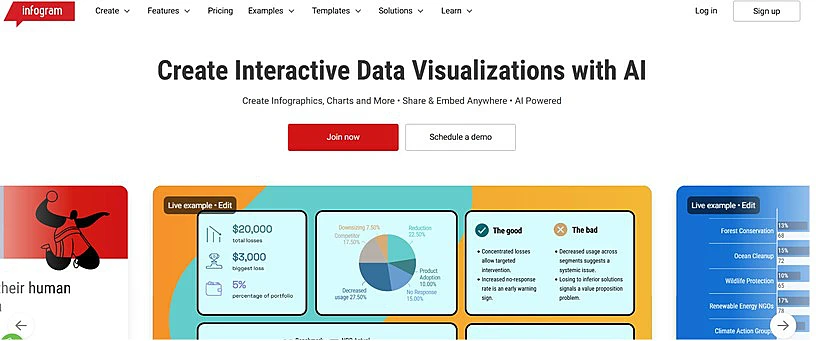
Infogram is an infographic maker focused on data visualization and interactive content. The platform supports infographics, charts, reports, maps, dashboards, and other data-driven formats.
Its AI tools can generate infographics from a topic or data and recommend suitable chart types based on the information provided. Users can then edit the generated content, charts, layout, images, icons, and other elements.
Infogram is particularly useful for analysts, journalists, researchers, marketers, and businesses that need to communicate data through interactive visual content.
Key features:
- AI infographic generation
- AI-assisted chart selection
- Interactive charts
- Maps
- Data import
- Interactive infographics
- Reports and dashboards
- Collaboration features
Best choice for: Users whose main priority is data visualization and interactive content.
3. Canva
Canva is a general-purpose graphic design platform with a dedicated infographic maker. Users can start with an infographic template, add their information, customize the design, and use Canva's AI-powered tools during the creation process.
Its main advantage is the breadth of content formats available on the same platform. Alongside infographics, Canva supports presentations, social media graphics, documents, videos, marketing materials, and many other designs.
This makes Canva a practical choice for teams that need to create infographics as part of a broader content workflow.
Key features:
- Infographic templates
- AI-powered design tools
- Drag-and-drop editor
- Charts and data presentation
- Brand tools
- Illustrations and graphics
- Presentations
- Social media formats
Best choice for: Teams that need an infographic maker alongside a broad graphic design platform.
4. Adobe Express
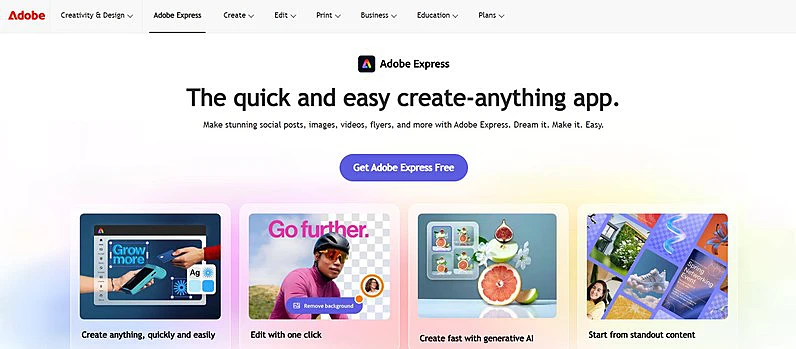
Adobe Express has a dedicated online infographic maker that lets users start with professionally designed templates or create an infographic from scratch.
Users can customize text, fonts, colors, logos, images, icons, and other visual elements. Adobe Express also includes AI-powered features for tasks such as generating images and templates.
The platform is useful for marketers and teams that need to create infographics alongside social media graphics, promotional materials, images, and other branded content.
Key features:
- Infographic templates
- AI image generation
- AI-generated templates
- Charts
- Brand customization
- Icons and images
- Content resizing
Best choice for: Marketers and teams creating branded visual content across multiple formats.
5. DesignCap
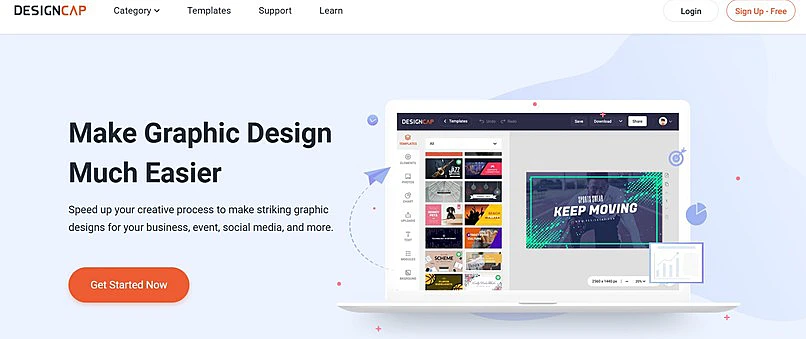
DesignCap is a straightforward online design tool for creating infographics from templates and customizable visual elements.
Users can select an infographic template and customize its text, colors, graphics, charts, and other components.
The platform also supports other formats, including presentations, reports, posters, flyers, and social media graphics.
DesignCap is best suited to users who want a conventional template-based workflow without the complexity of professional design software.
Key features:
- Infographic templates
- Report templates
- Charts
- Drag-and-drop editor
- Custom graphics
- Multiple design formats
Best choice for: Beginners who prefer simple, template-based infographic creation.
6. Snappa
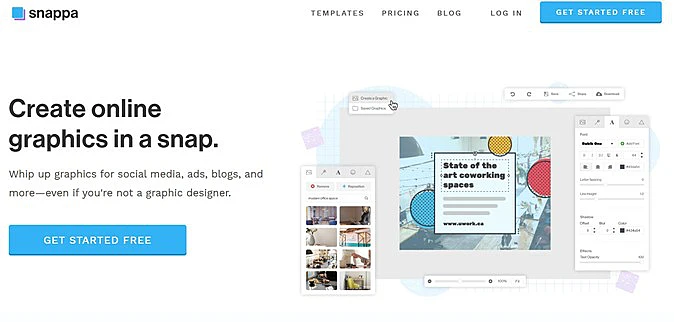
Snappa is an online graphic design tool focused on fast content creation. Its infographic maker provides preset infographic dimensions, professionally designed templates, drag-and-drop editing, stock photography, graphics, shapes, and text.
The platform also supports other online content formats, including social media graphics, blog graphics, advertisements, covers, and thumbnails.
Snappa is better suited to marketers and small businesses that need quick, shareable graphics than to users creating complex data-driven infographics.
Key features:
- Infographic templates
- Preset infographic dimensions
- Drag-and-drop editor
- Stock photos and graphics
- Custom graphics and text
- Image resizing
- Social media formats
Best choice for: Marketers who prioritize speed and simple visual content creation.
7. Easelly
Easelly is a dedicated infographic creation platform rather than a broad graphic design suite.
Its focus is helping users create visual explanations through infographic templates and customizable visual elements. Users can work with charts, icons, illustrations, and other components to communicate information visually.
This focused approach makes Easelly suitable for educators, marketers, and businesses whose primary requirement is creating infographics.
Key features:
- Infographic templates
- Charts
- Icons and illustrations
- Drag-and-drop editing
- Custom graphics
- Infographic-focused workflow
Best choice for: Users who primarily need a dedicated infographic creation tool.
AI Infographic Generators in 2026
AI infographic generators are making it easier to transform written information and data into visual content.
Instead of manually creating every element, users can increasingly start with a prompt, document, text, or dataset. AI can then assist with different parts of the workflow.
Common AI infographic capabilities include:
- Generating infographic layouts
- Summarizing source material
- Creating images and graphics
- Suggesting chart types
- Turning text into visual designs
- Generating editable infographic drafts
Piktochart and Infogram have particularly direct AI-powered infographic workflows, while Canva and Adobe Express integrate AI into broader design platforms.
The best AI infographic generator is therefore not necessarily the platform with the most AI features. The better choice is the one that removes repetitive work while giving users enough control over the final design.
Infographic Generator vs. Infographic Maker
The terms infographic generator and infographic maker are often used to describe the same category of software.
An infographic maker generally emphasizes manual creation through templates, editing tools, charts, images, and other design elements.
An infographic generator can place greater emphasis on automated or AI-assisted creation, such as generating a layout from a prompt or transforming existing content into an infographic.
Many modern platforms combine both approaches. They provide templates and manual editing while using AI to accelerate parts of the design process.