


Do you want to stay recognisable to your customers on different e-commerce platforms?
Then you need to pay attention to your brand’s logo. Logos are generally what help businesses build trust and create recognition among customers.
And if you want to update your logo or create one from scratch, then different AI logo makers can help you do it quickly and without much effort.
With these tools, you can even act like a designer and edit your logo based on your preferences and business needs.
Are you already intrigued? Then continue reading this guide since it illustrates the best logo makers, explains how they work, and talks about anything that you might face during the logo creation process.
TL;DR
- Winner: Design.com - the largest library (500K+ templates), deep AI-powered customization, and industry-specific designs that actually looked professional.
- Runner-up: BrandCrowd - strong font selection, flexible file formats, and solid AI customization.
- Middle of the pack: Logo.com - easy to use but inconsistent design quality and generic results.
- Skip: Logopony and DesignEvo - limited personalization, weaker design quality, and DesignEvo doesn't even let you input a brand name.
What Fears Did I Have?
This is a fair guide, which is why I wanted to illustrate what I thought before testing the tools. I want to admit that I had some worries to help you understand that we are in the same boat.
At first, I was afraid that the logo would look too generic since I was using only AI tools for logo generation.
Another point was about customization, since I thought that it might be slow or not give me full control over every aspect I wanted to edit.
Lastly, I thought that the design would be poor and take a lot of time and resources from me.
How Did I Rank the Tools?
For ranking the tools, I tested them in the same category, trying to make a logo for the same brand. My chosen field was fashion, and the brand name was "Mega Style." I also had a chance to add keywords in some cases, which were "fashion brand logo."
To understand which of the logo makers deserves first place, I paid attention to the creation speed, customization options, and diversity of the designs.
Also essential parts were the logo quality and whether it had details and elements that reminded about the chosen field.
Now let’s start the most exciting part, which is testing and rating the tools.
Simple Comparison Chart Top 5 Logo Makers for E-commerce Reviewed
Design.com
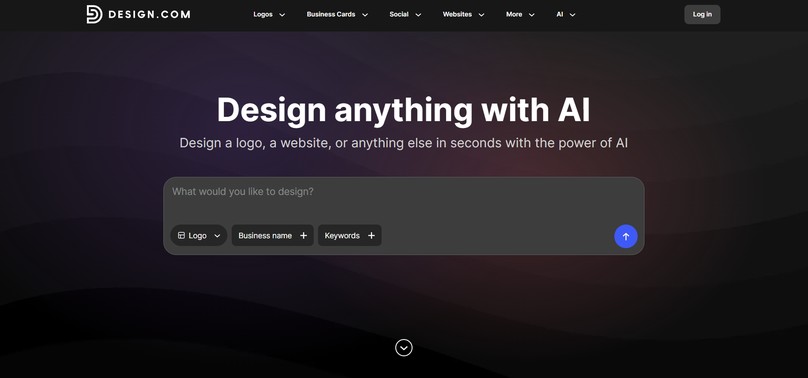
Design.com is a logo maker that helps you quickly and easily generate and customize e-commerce logos and is great for everyone without prior design experience.
It offers a massive library, a diversity of designs, and has advanced AI integration, making the tool work quickly and offering diversity that will fit any brand objective.
Some Advantages I Identified
- The tool offers the largest logo library available, with more than 500K logo templates. What’s more, it suggests 1 million overall design templates.
- It has advanced AI integration that includes an AI logo generator, AI website builder, AI business cards, AI flyers, AI posters, AI presentations, AI business name generator, and AI background remover
- Users have 100% ownership and exclusive use of their logos.
- There are 62K custom vector shapes, so you can easily change the logo.
- You can add the logo to the favorites list for later use.
- You can easily register a domain name with your logo.
- The logo maker provides a free tier for its users, so you can easily edit and download the logos for free.
- You can share your logos with your colleagues, vote in the special poll, and share ideas.
What I Encountered During the Test
On Design.com, logo creation was easy and exciting for me.
At first, all I needed to do was add the business name and keywords and wait for the logos to be generated.
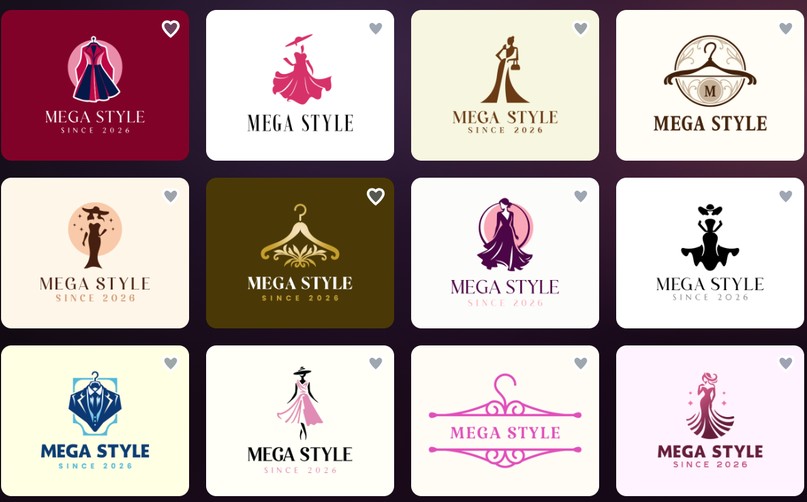
Generation was instant, without any long loading times.
In a second, I could access hundreds of logo designs, all of which were for a certain industry.
As you can see from the picture, all of the generated logos had interesting details that remind us of the chosen field.
Their quality was also high, and we can easily identify that designers were involved in the logo creation process since they have unique designs, interesting colorings, gradients, and shades.
Now, let’s see what editing offers.
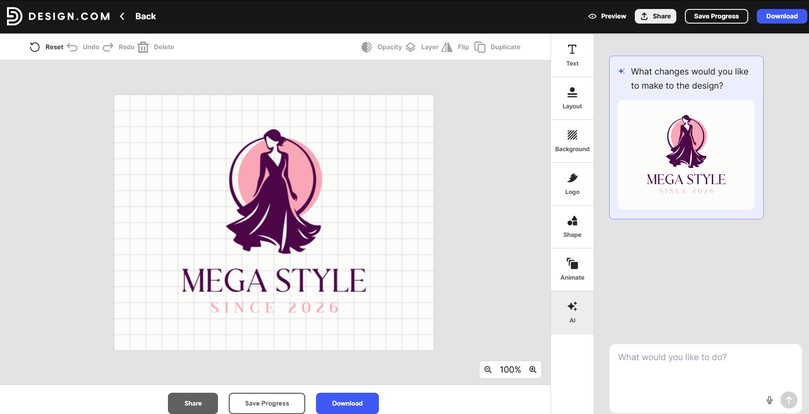
I could easily change the text, layout, background, colors, shapes, and even add animations to the logos.
Editing was very simple; I just selected the changes I wanted to make and saw them appear on the canvas immediately.
An interesting feature I want to point out is the AI editing feature, where you can describe additional changes you want to make in the logo and make it even more personalized.
Would I Actually Use It?
After deep testing of the tool, if someone asked me Would you use Design.com for creating logos for your brand my answer would be: Definitely.
This is a tool that provides everything I needed in the same place: AI integration, ease of use, deep customization, thousands of logo designs.
The tool proved to me that I do not need to be afraid to use AI for design creation, and it can be a rather interesting experience.
BrandCrowd
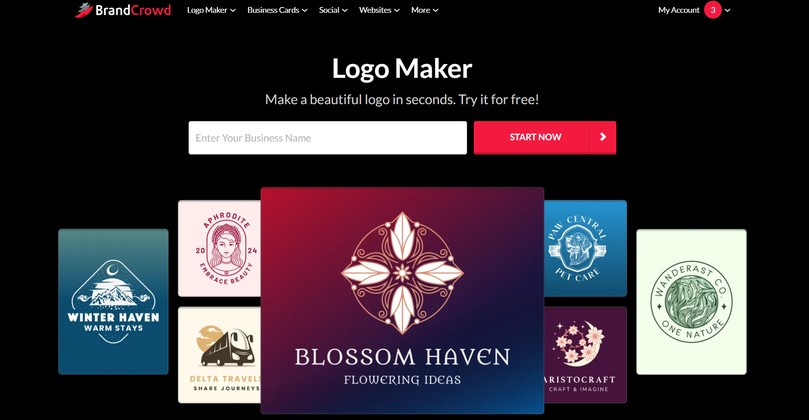
BrandCrowd is an AI-powered logo tool that focuses on integrating AI to create logos that will stand out. It is an interesting option for e-commerce with the help of its diversity of options and easy customization.
Some Advantages I Identified
- There are 380K logo templates available.
- The tool provides 750+ fonts, 525+ of which are exclusive.
- You have 100% ownership over the logo design.
- There is 24/7 support through chat and email.
- Download your logo in SVG, EPS, and PDF vector files, PNG & JPG raster files, GIF & MP4 animated files, and logos with a transparent background.
- You can create a list of your favorite logos.
- There are a lot of free logos which you can customize and download easily.
What Did I Encounter During the Test?
The design creation on BrandCrowd again started with adding the brand name and keywords.
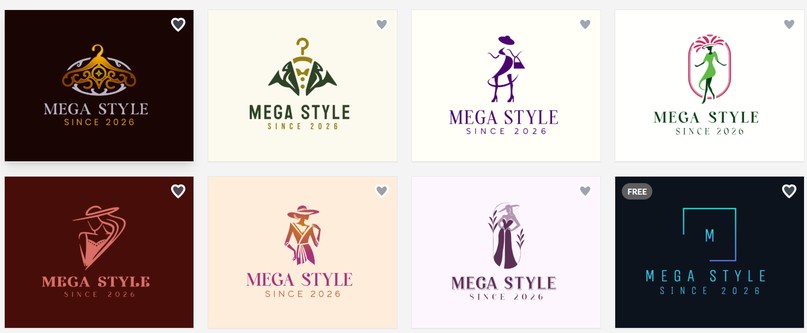
Here, again, I had access to many design options and could choose one that I liked the most.
Designs were professional; they had interesting colors, styles, and elements that reminded about the field that I was aiming to create for.
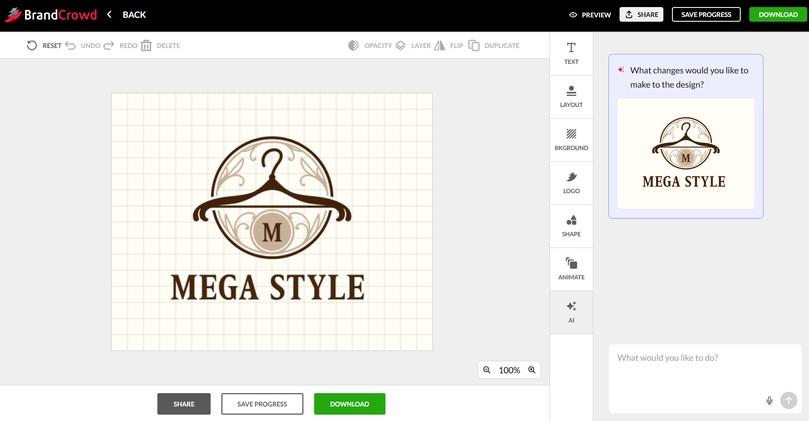
Customization was diverse here, and I could change the text, layout, colors, shapes, add animations, and, as was the case with Design.com, use AI to make some special changes that I might need.
Would I Actually Use It?
I liked BrandCrowd as a logo maker since it was easy to use and offered different styles. So my answer is yes.
The tool grabbed my attention with its AI integration and was super easy to edit logos and add to your e-commerce website.
Logo.com
Logo.com is another good tool for e-commerce logo creation since it offers an easy-to-use platform and access to different branding tools with the help of an integrated AI.
Some Advantages I Identified
- There are different templates which you can easily edit and filter by category.
- You can change the text style, including adding shadows, bold, italics, and underlined fonts.
- Users have full commercial rights over their logos.
- You can add auto-generated favicons, monogram marks, watermark overlays, alternate layouts, and text.
- There is also a slogan generator you can use.
What Did I Encounter During the Test?
Here, except for adding the business name, I also added the industry, could add relevant symbols, color scheme, and mention what I am creating for the logos and where I need to post.
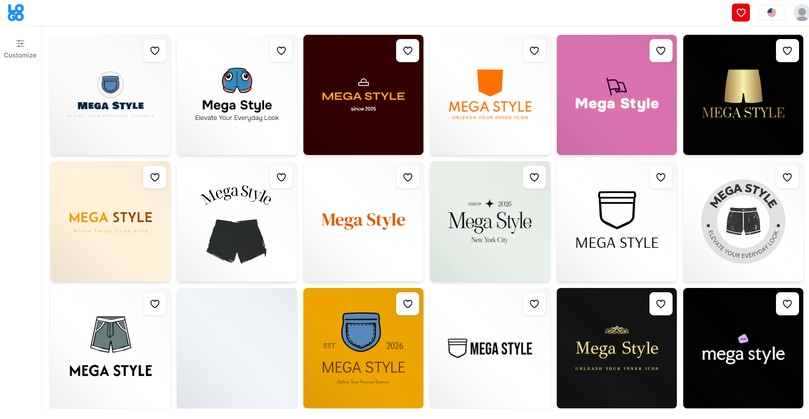
Logo designs were diverse, but not all of them were specific to the chosen industry.
The quality of the design was not high, and they did not have any specific elements that made it stand out.
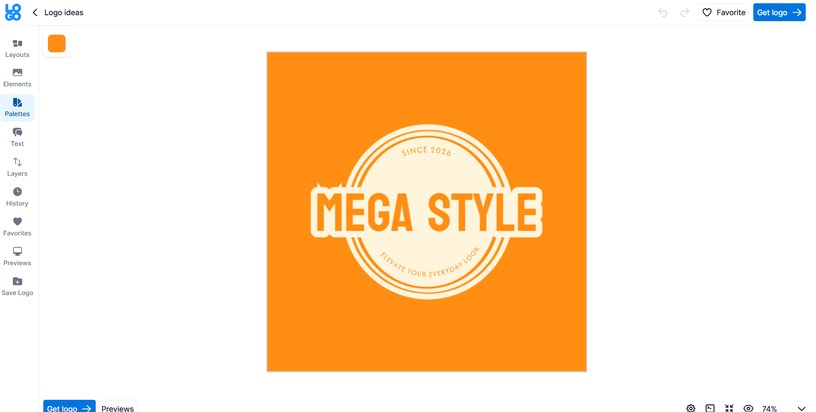
The customization option allowed changing the layouts and elements, adding logos to favorites, or altering the color palettes.
Would I Actually Use It?
My answer is maybe.
I would use the tool since it is easy and quick to work with. However, the quality and final design options are not what I am looking for.
Logopony
Logopony is another logo maker that uses AI to quickly create logos even without having design experience.
Some Advantages I Identified
- Download the logos in SVG, EPS, and PDF files.
- You can customize the fonts, layouts, and icons of the logos.
- You do not need any experience to create logos.
- You can try the branding package and see your logos on different items.
What Did I Encounter During the Test?
To create logos with Logopony, I needed to add a brand name and a simple description of the logo I want to achieve.
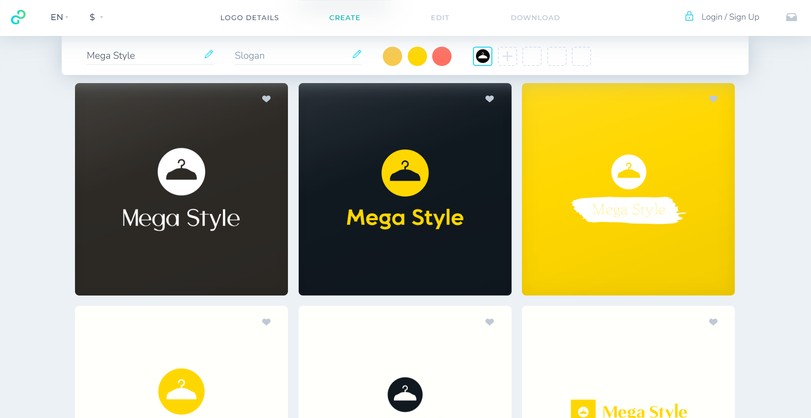
Designs were very simple. They did not stand out and did not have a quality that would allow them to be added to your e-commerce website and immediately grab the attention of potential customers.
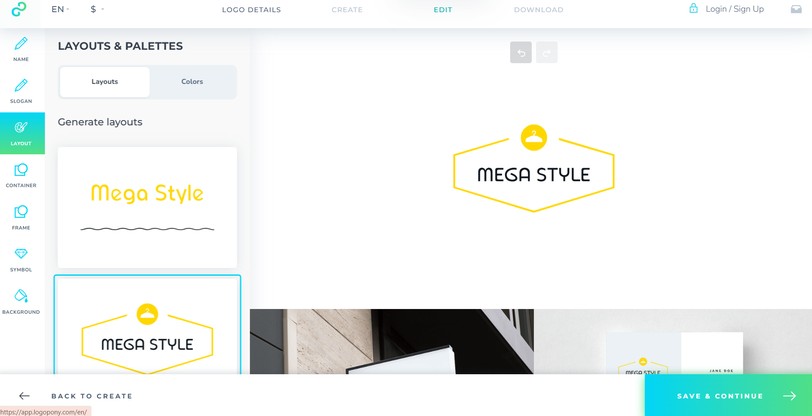
Customization was very easy and quick to conduct. I could change the frame, shape, slogan, layout, colors, and background of the logos.
Would I Actually Use It?
This tool was quick to work with again, but I would not use it since it does not provide the variety and immediate attention-grabbing logos I was looking for.
DesignEvo
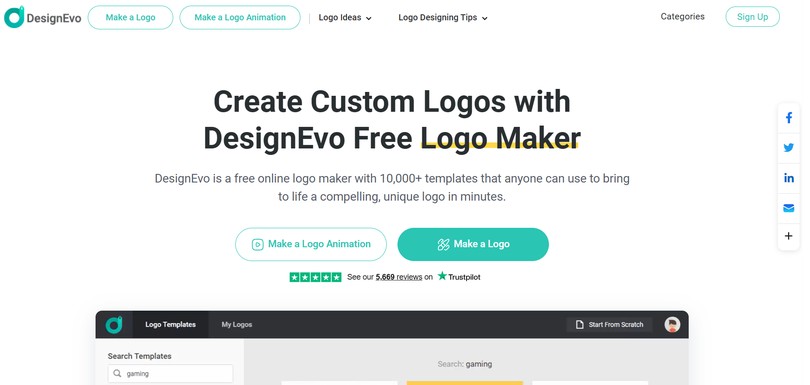
DesignEvo is another online and cloud-based logo maker that offers different vector shapes and custom branding tools to create logos for e-commerce.
Some Advantages I Identified
- There are 100+ fonts available and diverse color schemes for quick editing.
- There are SVG and PDF files available to download the logo.
- Users have copyright ownership over their logos.
- 10K templates available on the platform.
What Did I Encounter During the Test?
From the logo generation, DesignEvo was the most non-personalized. It did not allow me to add the brand name. I could only choose the field and look at the logos based on the chosen industry.
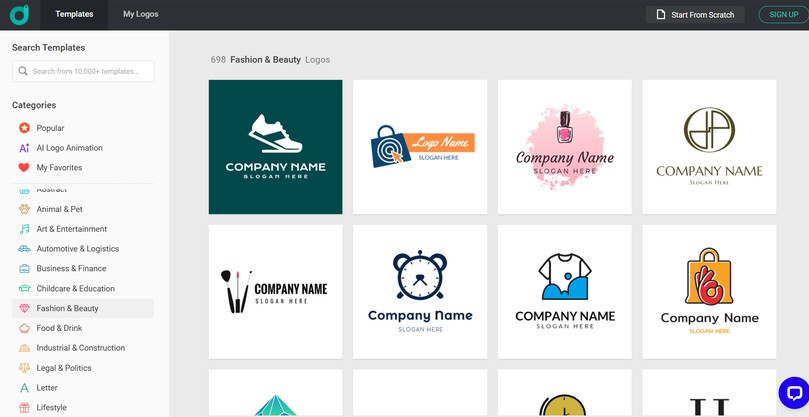
Logo provided different results, but not all of them matched the field I already mentioned.
Logo quality was also poor, and the coloring was pale.
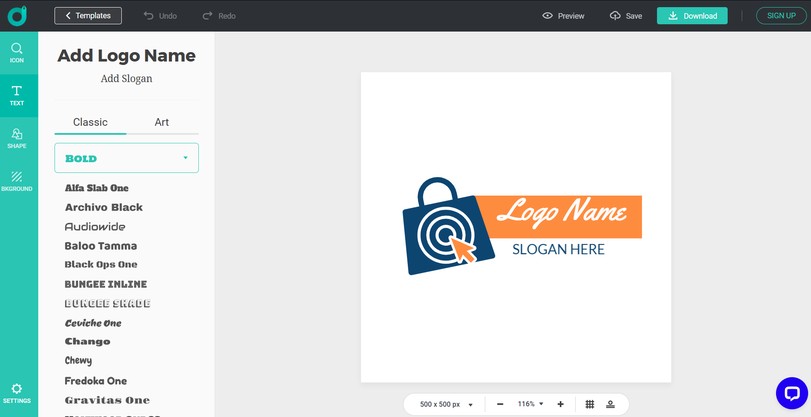
From the editing capabilities, I could change the background, shape, and font of the logo.
Would I Actually Use It?
I would answer no.
The tool did not provide the advanced customization or personalization I was looking for.
Summing Up
This guide was proof for me and you that in 2026, we could create logos with the help of different AI logo makers.
Even if you do not have any design experience, you could easily work on the logos and get a quick and appealing result.
Also, not all of the logo makers shine in quality and logo styles.
Therefore, if you ask me, I personally think that it is worth starting with Design.com since it proved that it has a huge template library and advanced customization.
Start creating your logos with the tool you prefer and enter the e-commerce market with a logo that stands out.

