Since there are as many lead generation tools as there are ways to waste your budget, we’ve narrowed down your options to 15 tools that are worth your time.
Website inquiries, contact management, prospecting, nurturing … we’ll cover it all. Let’s find what your team needs!
What Are Lead Generation Tools?
Lead generation tools help businesses find potential customers and start conversations with them. Some provide contact data, while others help attract enquiries through a website or manage follow-ups with interested prospects.
There are 2 main approaches:
- Inbound lead generation: Getting potential customers through content (e.g., SEO, social media).
- Outbound lead generation: Finding suitable prospects and contacting them directly (e.g., email, phone, LinkedIn).
The tools we’ll talk about support both.
Best Lead Generation Tools for Every Sales Stage
Choosing between tools is easier (dare we say, much less of a guessing game) when you know what sets them apart from one another.
Before getting into the weeds, let’s see what each platform does, what it’s best at and where it could fit in your sales process, so you can just jump to the nitty-gritty of the tool that piques your interest.
| Tool | Sales stage | Best for | Key capabilities |
|---|---|---|---|
| JivoChat | Lead capture | Turning website visits into live conversations | Live chat, proactive chat invitations, visitor monitoring, chatbots |
| Apollo | Lead discovery | Finding contacts and reaching out from one platform | B2B contact database, detailed prospect filters, email and phone enrichment, email sequences |
| ZoomInfo | Lead discovery | In-depth company and buyer intelligence for larger teams | Company and contact data, intent signals, buying activity, technographic insights |
| LinkedIn Sales Navigator | Lead discovery | Finding the right people inside target accounts | Advanced lead search, account insights, lead recommendations, InMail |
| Truelist | Lead discovery | Cleaning email lists before a campaign | Bulk verification, invalid address detection, list cleaning |
| Leadfeeder | Lead discovery | Identifying the companies that visit your website | Company identification, visitor activity, account insights |
| involve.me | Lead capture / Lead nurturing | Lead capture, qualification and automatic follow-ups | Forms, quizzes, assessments and calculators, conditional logic, lead scoring, CRM and email automation |
| Popl | Lead capture | Collecting contacts at events | Digital business cards, QR codes and NFC sharing, contact collection, CRM integrations |
| OptinMonster | Lead capture | Getting more enquiries from existing website traffic | Pop-ups, exit-intent campaigns, behavioural targeting, A/B testing |
| Reply.io | Sales outreach | Running outreach across multiple channels | Email sequences, LinkedIn and calling workflows, AI-assisted engagement, campaign analytics |
| LinkedHelper | Sales outreach | Automating parts of LinkedIn prospecting | Automated connection requests, profile visits, messaging and campaign sequences |
| CloudTalk | Sales outreach | Managing sales calls and tracking performance | Cloud calling, power dialling, call recording, analytics, CRM integrations |
| KrispCall | Sales outreach | Business calling with virtual numbers | Local and international numbers, call routing, call analytics |
| Folloze | Lead nurturing | Personalised content experiences for B2B accounts | Account-based content hubs, personalised microsites, engagement analytics |
| HubSpot | Lead nurturing | Managing leads from first contact through the sales pipeline | Contact management, sales pipelines, lead scoring, segmentation, marketing automation |
Lead Capture: Give Interested Visitors a Reason to Connect
A standard (typically, rather bland) contact form won't suit every visitor. No, we know this isn’t ground-breaking information.
What absolutely has the potential to be ground-breaking are the 4 tools that make sharing details easier for your clients.
JivoChat
Best for Real-Time Website Engagement
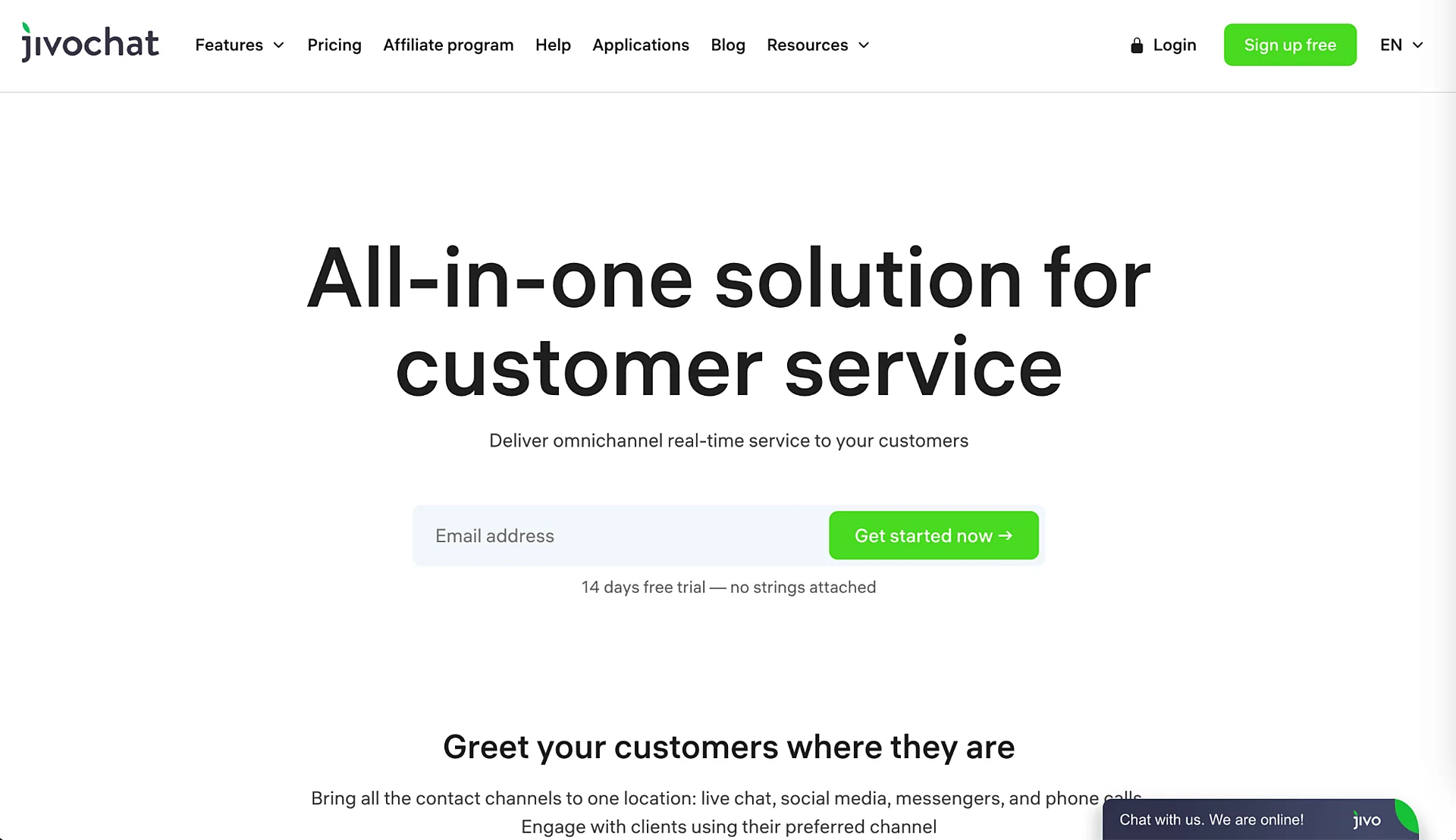
Imagine a potential customer browsing your pricing page. They have a question, but can't find the answer. How long will they stick around before giving up and leaving? Let’s NOT find out!
With JivoChat, you give an easy way for customers to reach you while also seeing which pages they're browsing and answering customer questions as they come up.
There's another useful feature: JivoChat collects messages from WhatsApp, Facebook, Instagram and email in one inbox.
Key Features:
- Website live chat
- Proactive chat invitations
- Website visitor monitoring
- Chatbots and automated responses
- Offline contact forms and multichannel messaging
involve.me
Best for Capturing, Qualifying and Automatically Following Up
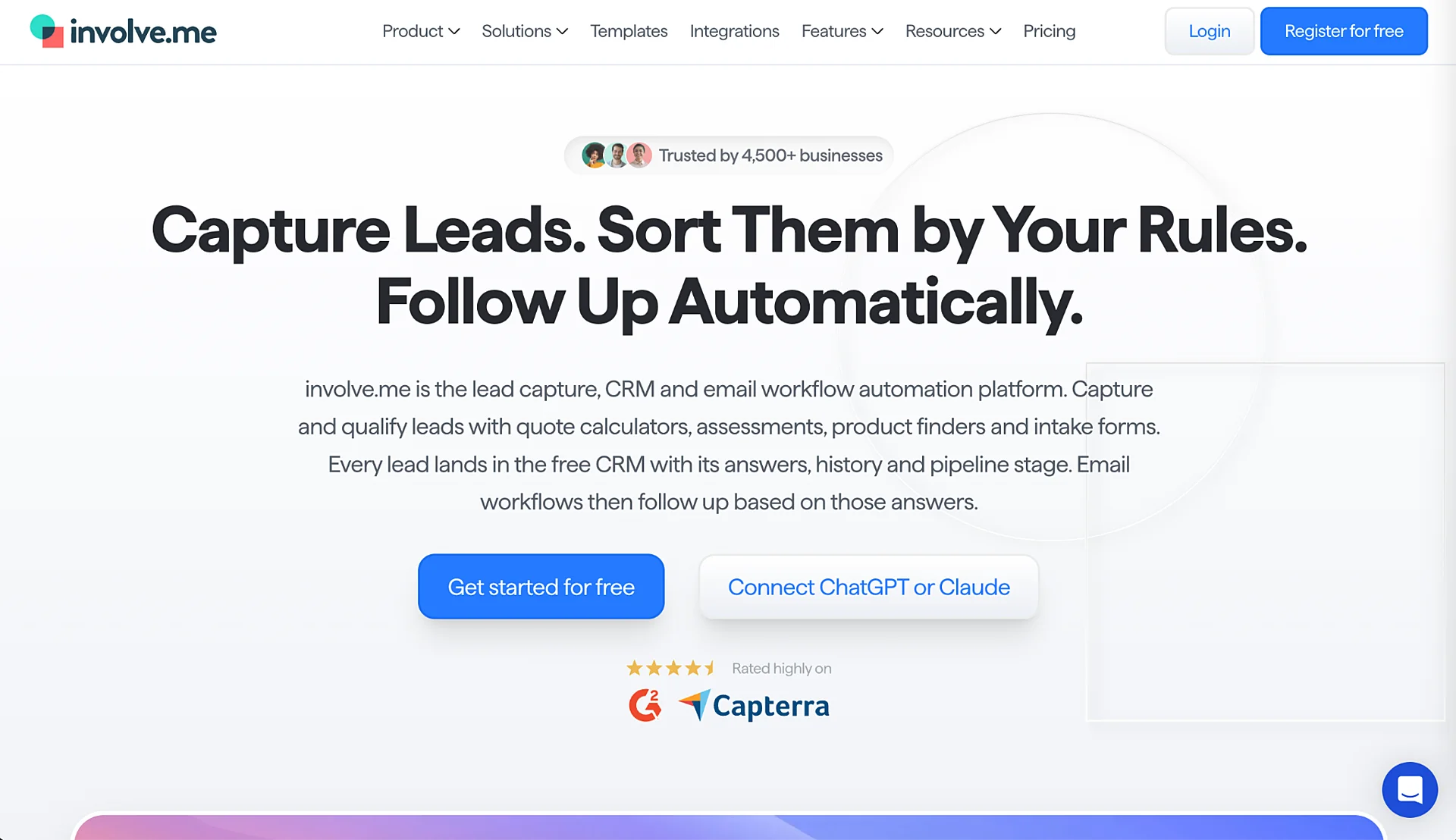
Ever wish you could turn more enquiries into qualified sales opportunities without switching between multiple tools? Involve.me brings lead capture, CRM and email workflow automation together in one platform, helping businesses with high-value sales cycles manage prospects from first interaction to follow-up.
Every lead is stored in its free CRM, complete with their answers, scores and pipeline stage, so you know exactly where each prospect stands. With automated email workflows, you can then nurture leads with relevant follow-ups based on their responses, scores and interactions.
Key Features:
- Lead capture and qualification funnels
- Free CRM with contact management and pipeline stages
- Automated, branching email workflows
- AI Agent for building and editing complete funnels
- Quote and ROI calculators, assessments, scorecards and product finders
- Conditional logic, lead scoring and personalised outcome pages
Popl
Best for Event Lead Capture
Trade shows are a cornucopia for leads, no question about it.
Back in the day, sales reps would come back with pockets full of business cards and organize them manually. Nowadays, there are better ways to do it.
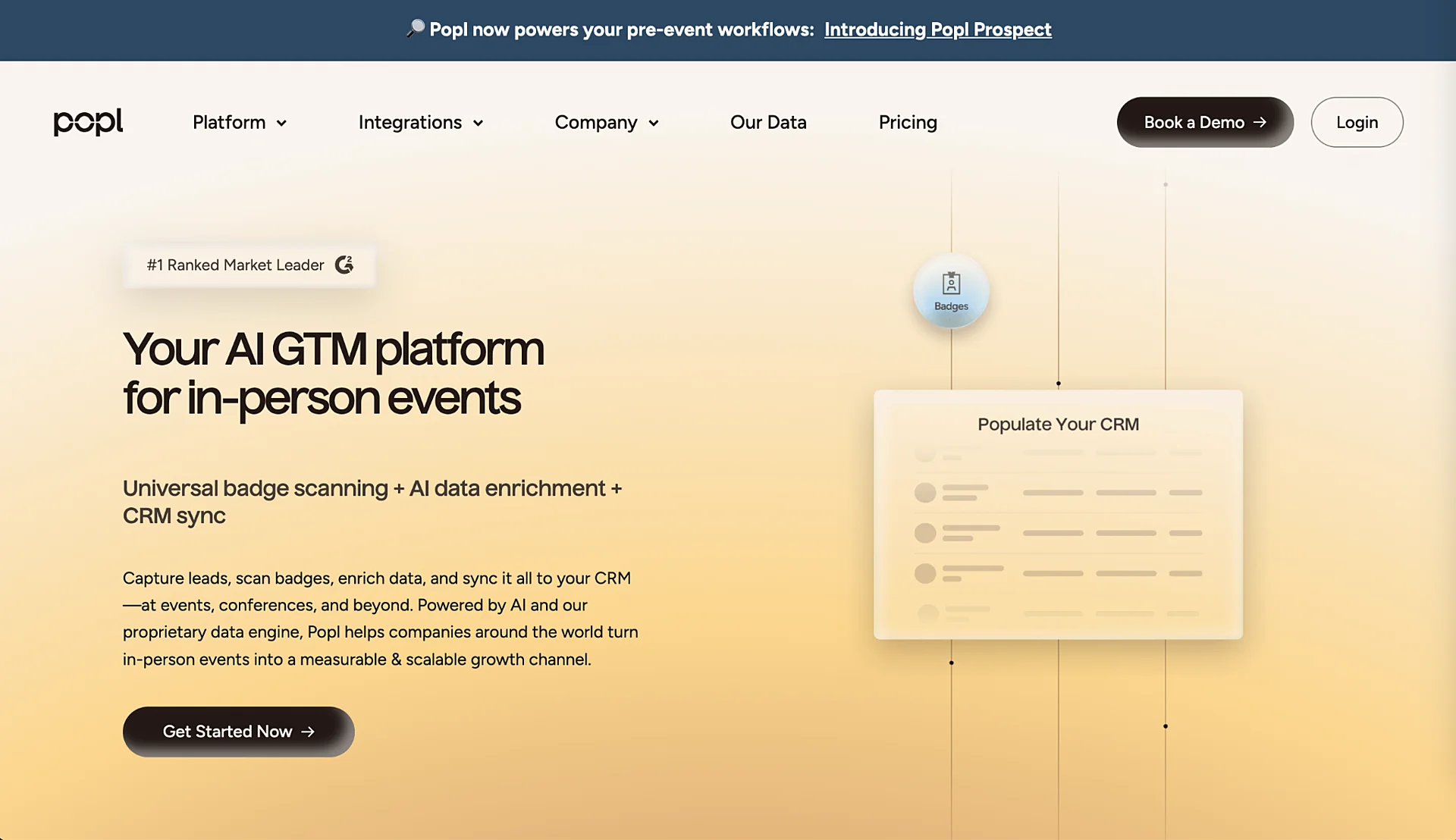
Popl helps you capture and organise all the conversations you’re having in real-time. You use the mobile app to:
- Scan event badges and business cards
- Read QR codes
- Collect details through lead capture forms
Then you can add notes, supplement contact records and send leads straight to your CRM.
And arguably the best part is that you don’t even need an internet connection to keep on saving contacts.
Key Features:
- Digital business cards
- QR code and NFC contact sharing
- Digital lead capture
- Event and trade show lead collection
- Contact management and CRM integrations
OptinMonster
Best for Website Conversion Optimization
A visitor reads your article, browses your services and then disappears.
Not a single click. Not even an email address.
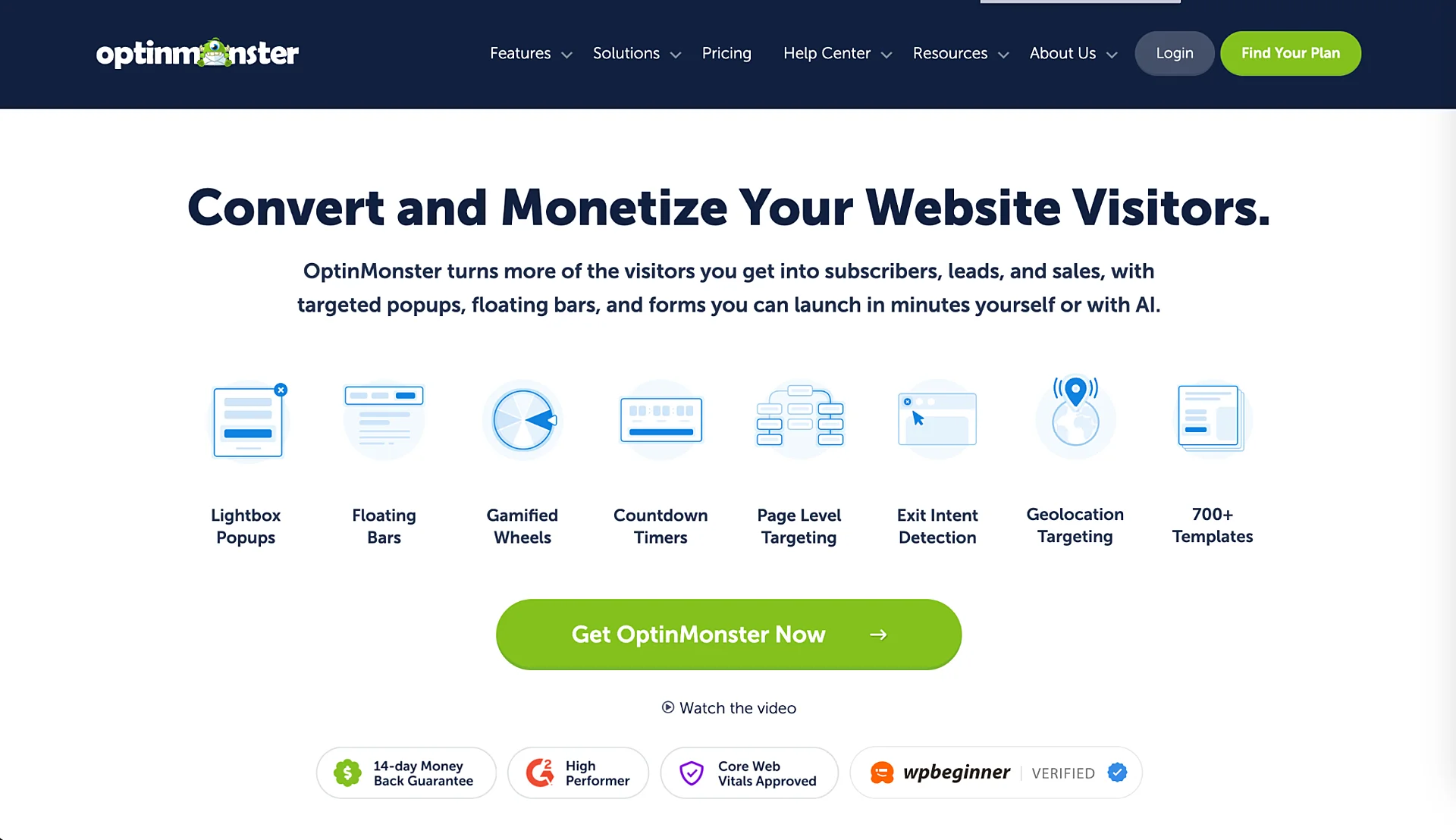
If you want another chance to catch their eye, you can use OptinMonster to make pop-ups, floating bars and slide-ins, and decide exactly when they appear of course.
You can also run A/B tests to see which messages and offers get more visitors to take action.
Key Features:
- Pop-ups and slide-in forms
- Exit-intent technology
- Behaviour-based targeting
- Campaign display rules
- Customer conversion analytics and A/B testing
Lead Discovery: Know Which Prospects Are Worth Pursuing
You probably already have more potential accounts on your radar than you or your team can realistically pursue.
Company size and industry help narrow your search, but you also need to identify decision-makers, spot buying signals and verify contact details before reaching out. Good news! We’ve got 5 tools that do just that.
Apollo
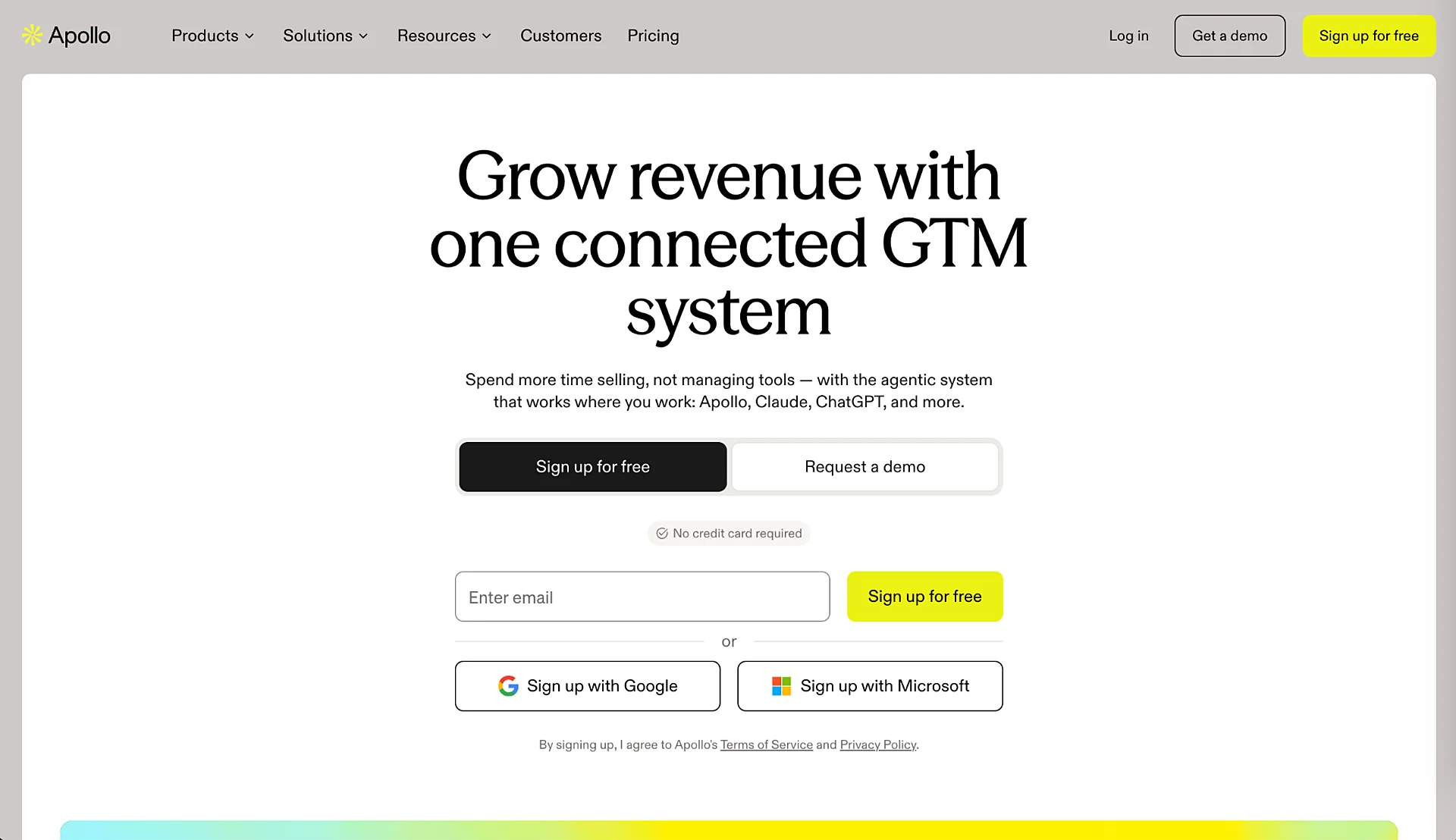
Best for Combining Prospecting and Outreach
Apollo lets you search for B2B prospects by job title, industry, company size and other crucial criteria.
Found someone worth contacting? You can add their email and phone number to your records, then plan follow-ups through email, calls and LinkedIn.
Apollo will be most useful for teams that have been – or are currently – using separate tools and want just one.
Key Features:
- B2B contact and company database
- Prospect search filters
- Email and phone number enrichment
- Email sequences and call or LinkedIn tasks
ZoomInfo
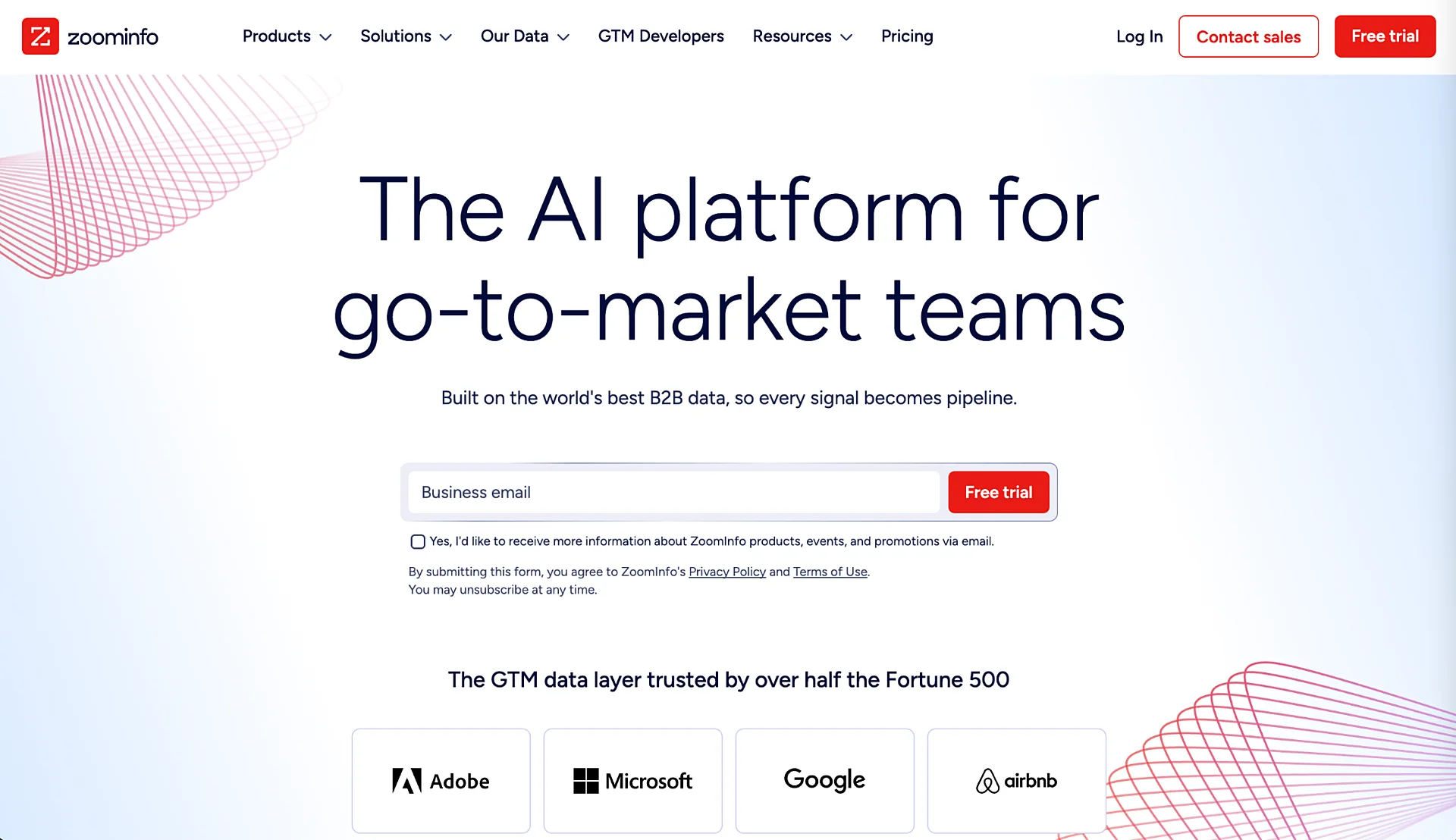
Best for Enterprise B2B Intelligence
Sometimes a company looks perfect on paper (right industry, right size, healthy revenue, yada, yada) but you still don’t know who to contact or if they’re in the position to be buying anything.
ZoomInfo answers these questions.
Its database lets you explore company details, find decision-makers and examine intent signals. Your team can then put together proper research and map out potential stakeholders before ever picking up a phone.
Key Features:
- B2B company and contact data
- Advanced prospect search
- Intent data and buying signals
- Firmographic and technology data
- CRM integrations
LinkedIn Sales Navigator
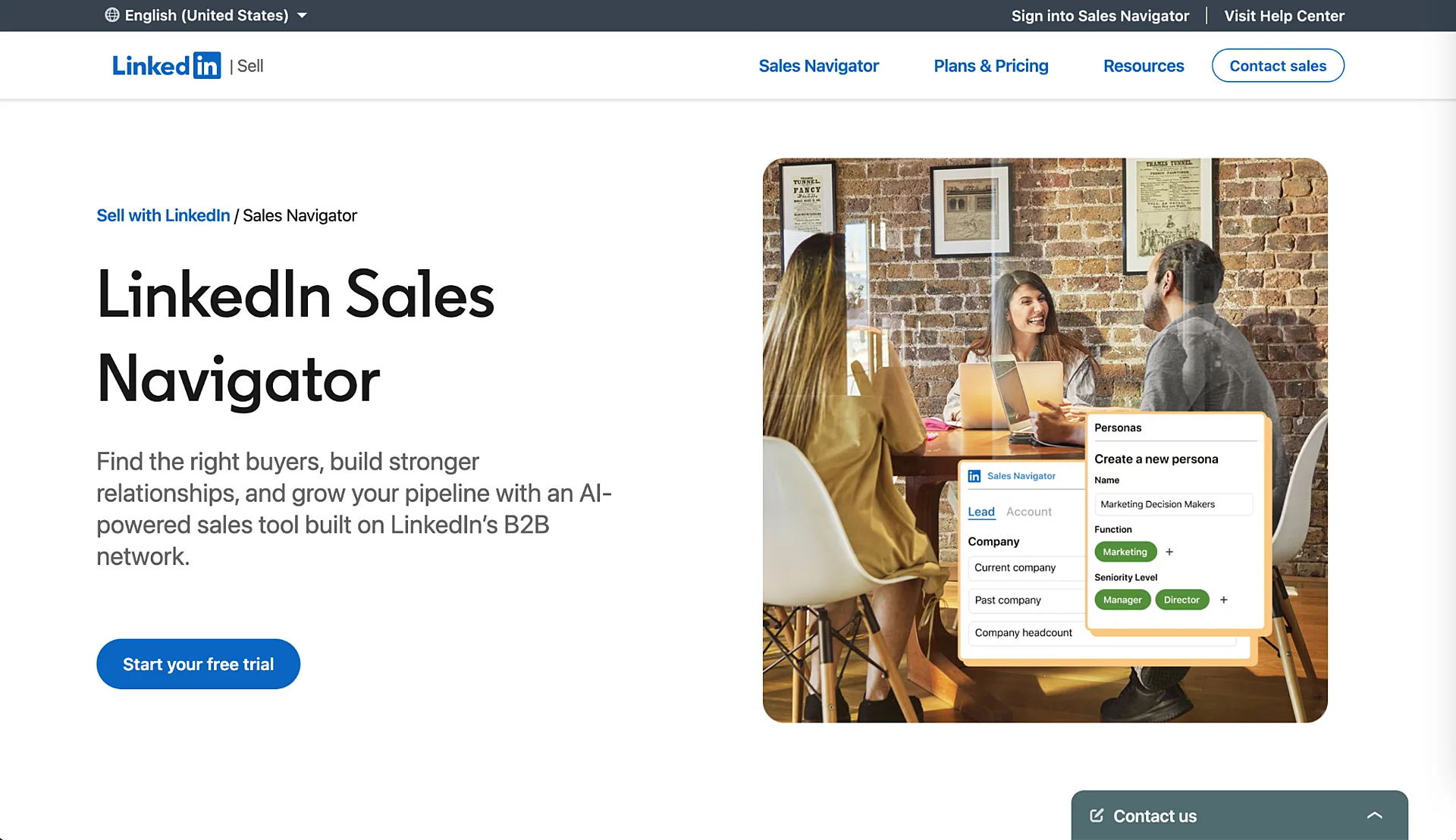
Best for Finding Decision-Makers
Two people with the same role may have very different influences over a purchasing decision, so no experienced sales rep would ever go off the job title alone. And LinkedIn Sales Navigator brings to light what you actually want to know.
It has advanced filters that let you search by:
- Industry
- Seniority
- Company size
- … and other criteria
Plus, you get profile information and account insights for more context about potential buyers. You also get lead recommendations to uncover relevant contacts you might have missed.
Key Features:
- Advanced lead and account search
- Job title, seniority and industry filters
- Lead recommendations
- Account and relationship insights
- InMail and saved lead alerts
Truelist
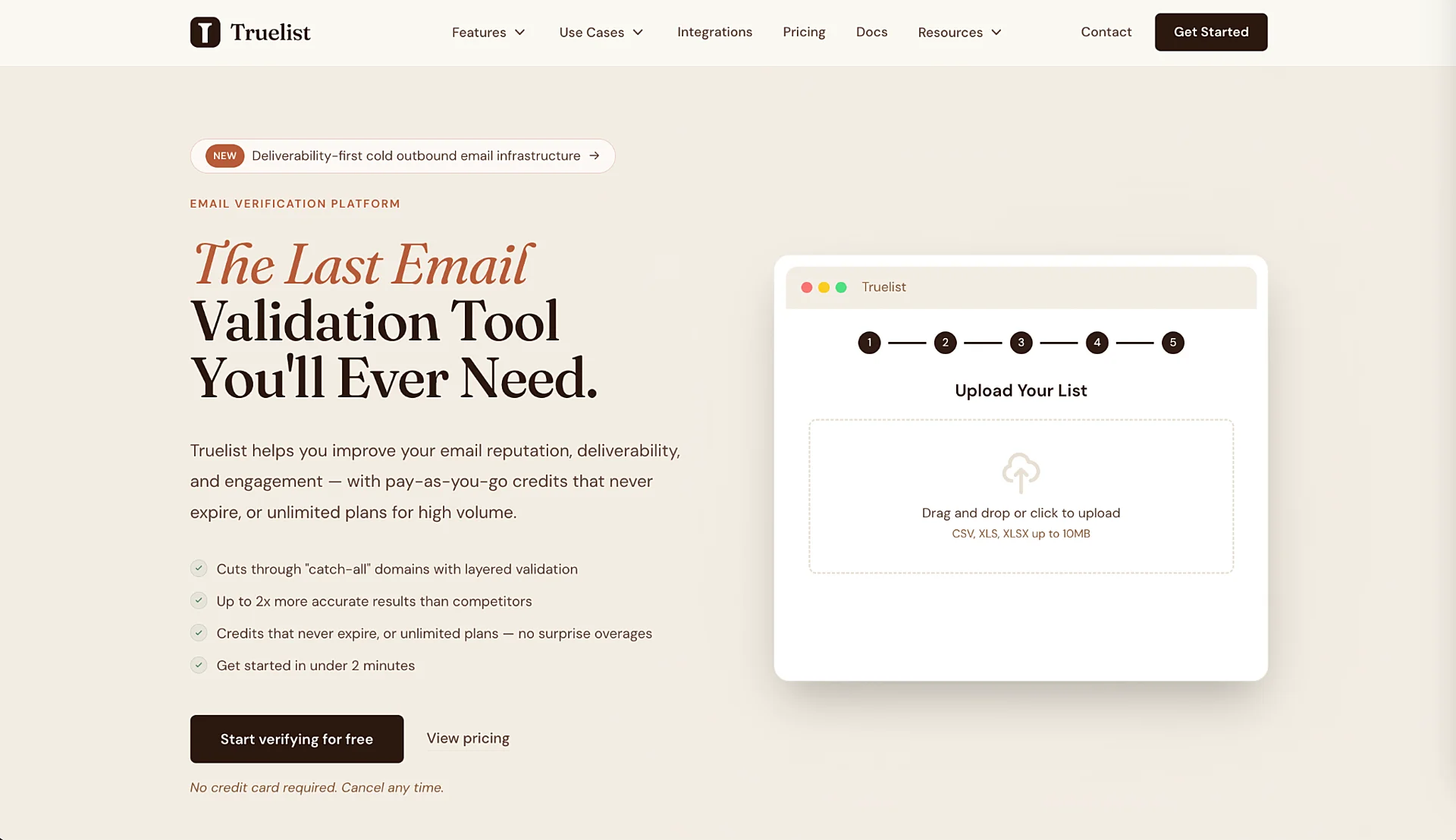
Best for Email Verification
How old is your contact list? And how many email addresses are still valid?
The more years under your belt, the harder it is to keep these things in check and up-to-date.
With nearly 100% guarantee, some addresses no longer exist and others may have been entered incorrectly in the first place.
No matter, Truelist checks email addresses in bulk and flags invalid or risky ones. So, before sending your next campaign, tidy up your list and avoid wasting emails on addresses that lead nowhere.
Key Features:
- Bulk email verification
- Email address validation
- Invalid and risky address detection
- Email list cleaning
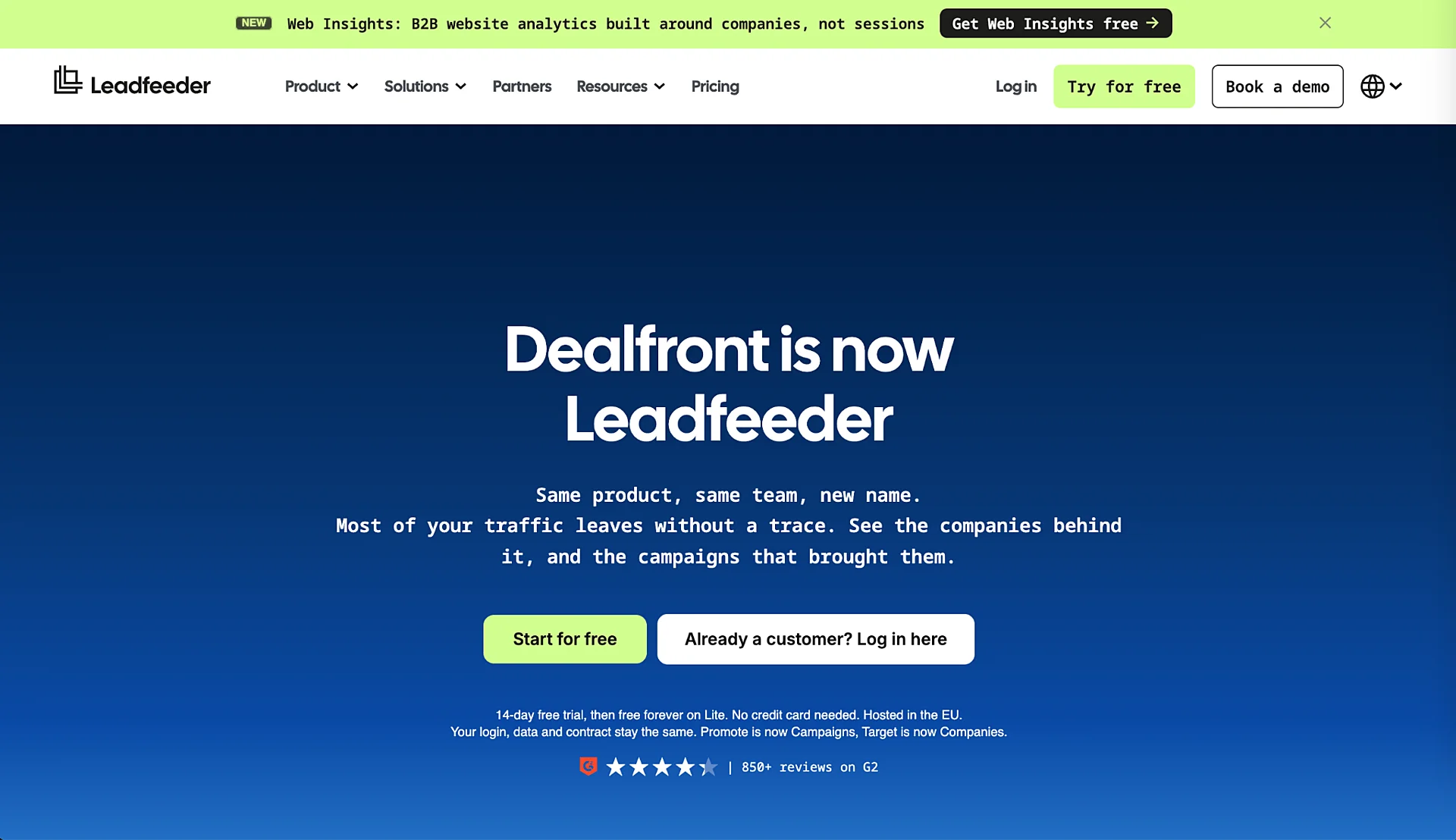
Leadfeeder (formerly Dealfront)
Best for Identifying Website Visitors
Some of your website visitors are potential customers that never filled out the contact form and, until just now, there was nothing you could do about it.
Thankfully, you can use Leadfeeder to identify the companies visiting your website, see which pages they’ve viewed and how often they return. This information is exactly what you need to spot businesses that fit your target profile and reach out to people that already know you.
A nice bonus: you can send visitor data to your CRM and alert your sales team when target accounts show up.
Key Features:
- Company-level visitor identification
- Website activity tracking
- Company and account insights
- High-intent visitor identification
- CRM integrations
Sales Outreach: Turn First Contact Into a Sales Conversation
More clients = More follow-ups
Need help with that?
We have 4 tools that teams of all sizes can use to do outreach and keep your pipeline moving.
Reply.io
Best for Multichannel Sales Outreach
Ever sent three follow-up emails and … nothing?
Maybe your prospect simply prefers LinkedIn. Or a phone call.
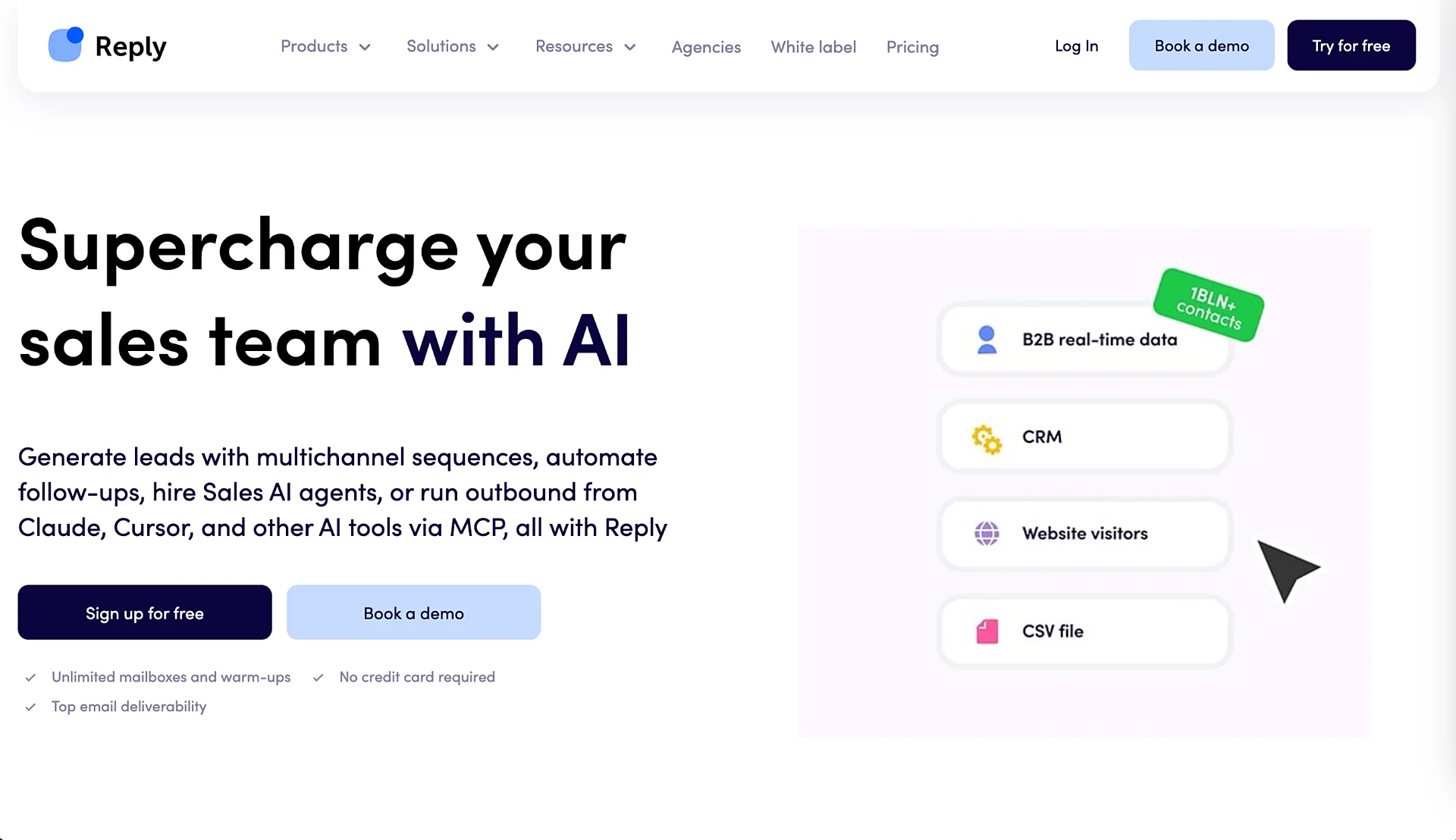
People have different ways of communicating, and Reply.io lets you reach them wherever they want to be reached.
You can build systems that combine all the communication methods (emails, LinkedIn actions, calls, SMS, WhatsApp) with follow-ups that adapt to prospect responses. And you get an AI tool that researches contacts and personalizes messages.
Key Features:
- Automated email sequences
- Multichannel outreach
- LinkedIn and calling workflows
- AI-assisted sales engagement
- Campaign analytics and reporting
LinkedHelper
Best for Organizing LinkedIn Prospecting
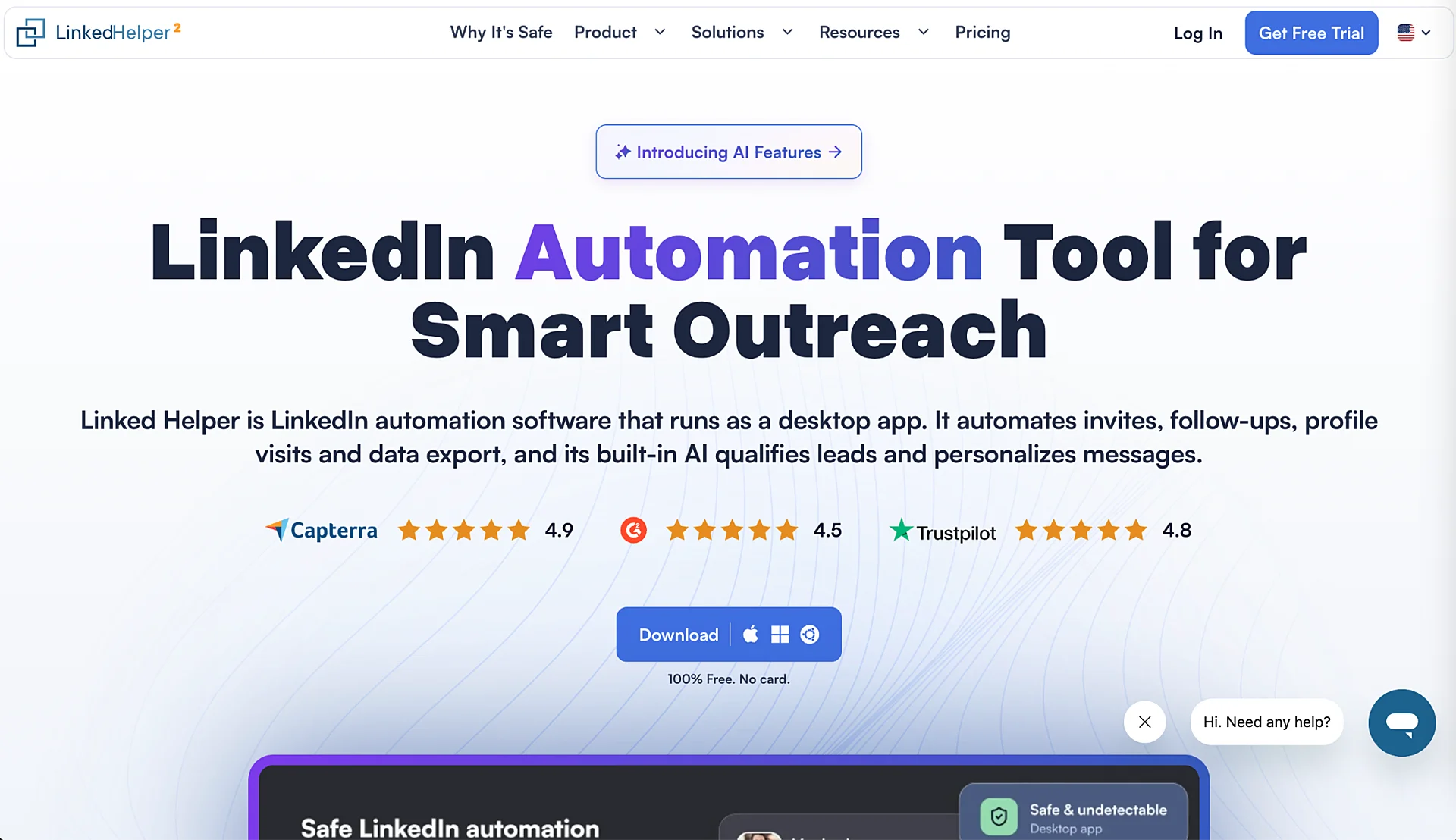
The more you’re managing sequences, the less time you have to talk to people. If you want to take the repetitive work out of LinkedIn outreach, LinkedHelper is what you need.
You can automate:
- Profile visits
- Connection requests
- Outreach messages
- Follow-ups
LinkedHelper sets itself apart from other, similar tools by detecting when someone responds and stopping the sequence (without you having to do it manually!), so the pre-planned follow-up doesn’t drop mid-conversation.
Key Features:
- Automated connection requests
- Profile visits and messaging
- Campaign sequences
- Contact and follow-up management
- Data organisation and export
CloudTalk
Best for Managing Sales Calls
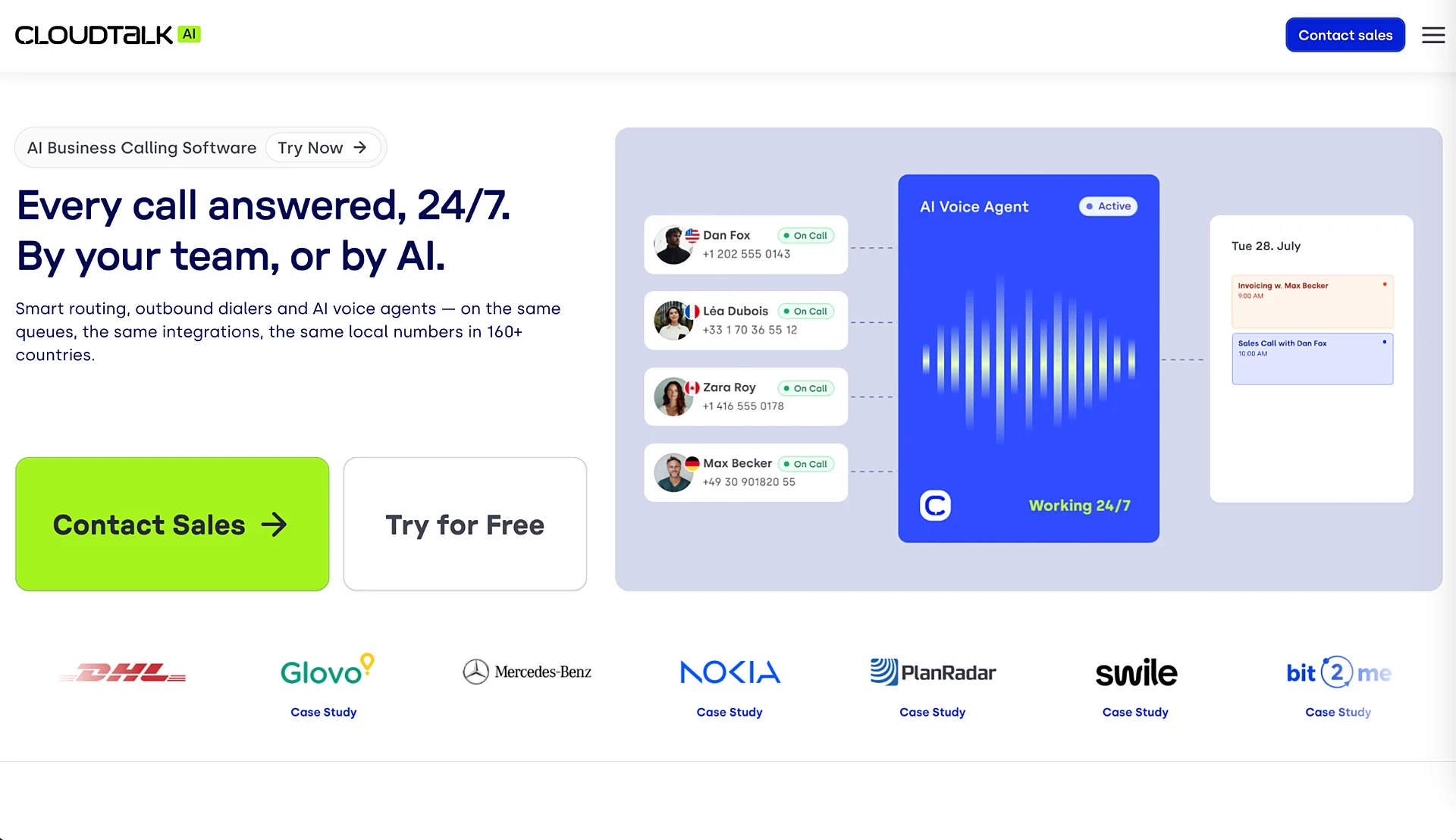
Instead of managers having to review one call at a time, CloudTalk tracks and analyzes every detail of all the calls: objections that keep popping up, missed opportunities, areas for improvement and more.
Reps get to revisit conversations and managers get a broader view of team performance. Win-win.
CloudTalk can also do outbound calling on your behalf and integrate with CRMs, keeping call activity connected to customer records.
Key Features:
- Cloud-based business calling
- Power dialling and call management
- Call routing and recording
- Call analytics
- CRM integrations
- AI-powered conversation intelligence
KrispCall
Best for Business Phone Communication
Long gone are the days when you had to get a separate phone system for each market your company wanted to conquer.
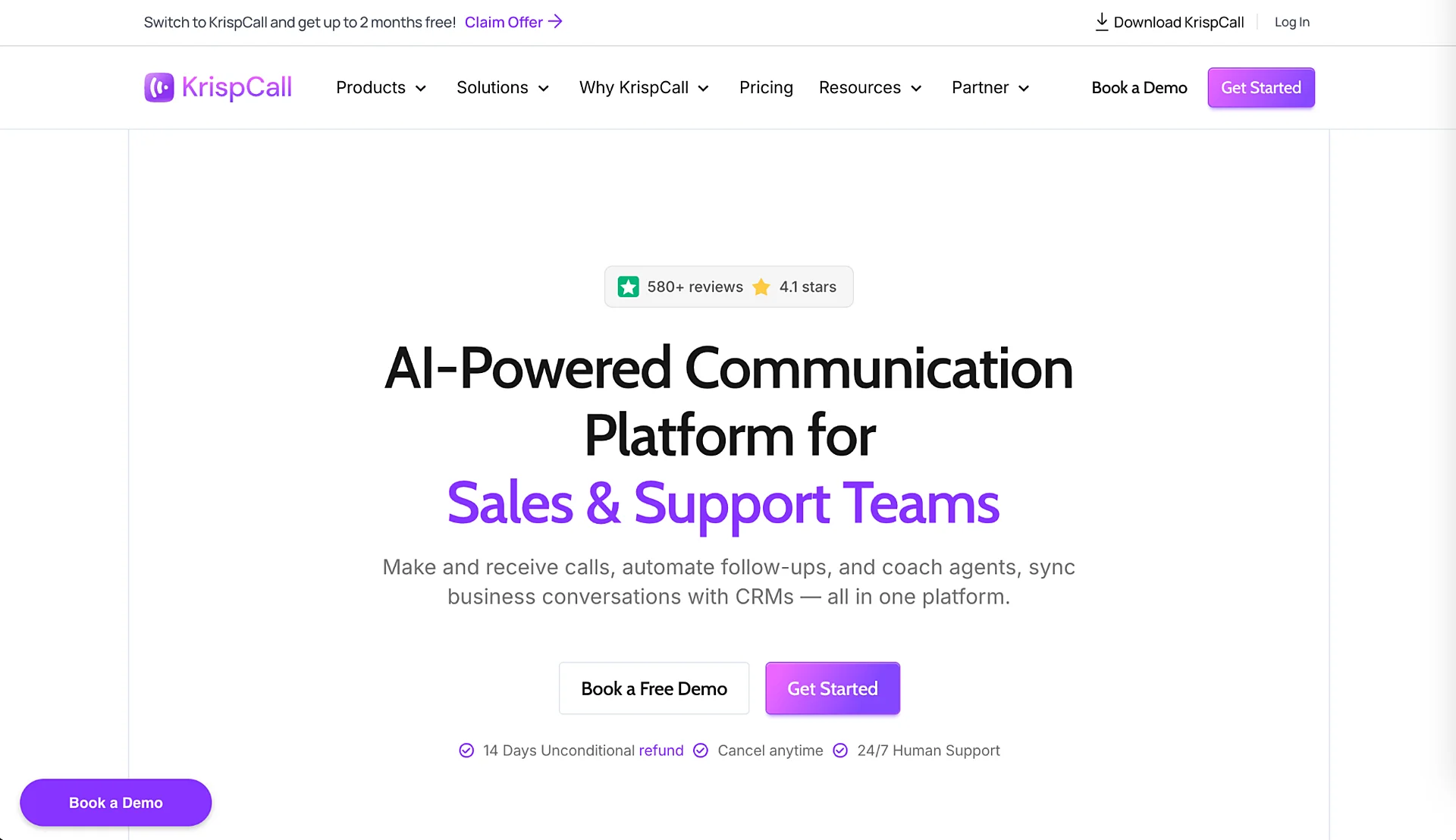
KrispCall clients can get a local phone in over 100 countries and manage local, mobile and toll-free numbers from one cloud-based platform. What’s even better, they can also route incoming calls to the right team members and use IVR menus to direct callers. With unlimited inbound and outbound calling available on the Max plan, high-volume teams can reach customers in every market without watching call minutes.
Plus, the CRM integration and call logs help sales and support teams keep conversations tied to customer records.
Key Features:
- Virtual numbers in 100+ countries
- Call forwarding and routing
- IVR menus
- Shared call management
- CRM integrations and call analytics
Lead Nurturing: Stay Relevant Throughout the Buying Journey
Prospects are always waiting on budget approval, weighing their options or getting input from other stakeholders because parting from money ain’t easy. Especially when there are multiple departments involved (on your end and theirs).
Here are 2 tools you can use to manage longer buying cycles and keep your sanity.
Folloze
Best for Personalized B2B Buyer Experiences
Let’s break down the buying decision on the company’s side. Every stakeholder is looking at something else:
- Finance team needs a business case
- Technical stakeholders ask for product details
- Department heads want to know how it will affect their teams
- … the list goes on
Instead of doing what everyone else is doing (scattered PDFs, emails, explainer videos and pitch decks), set your company apart.
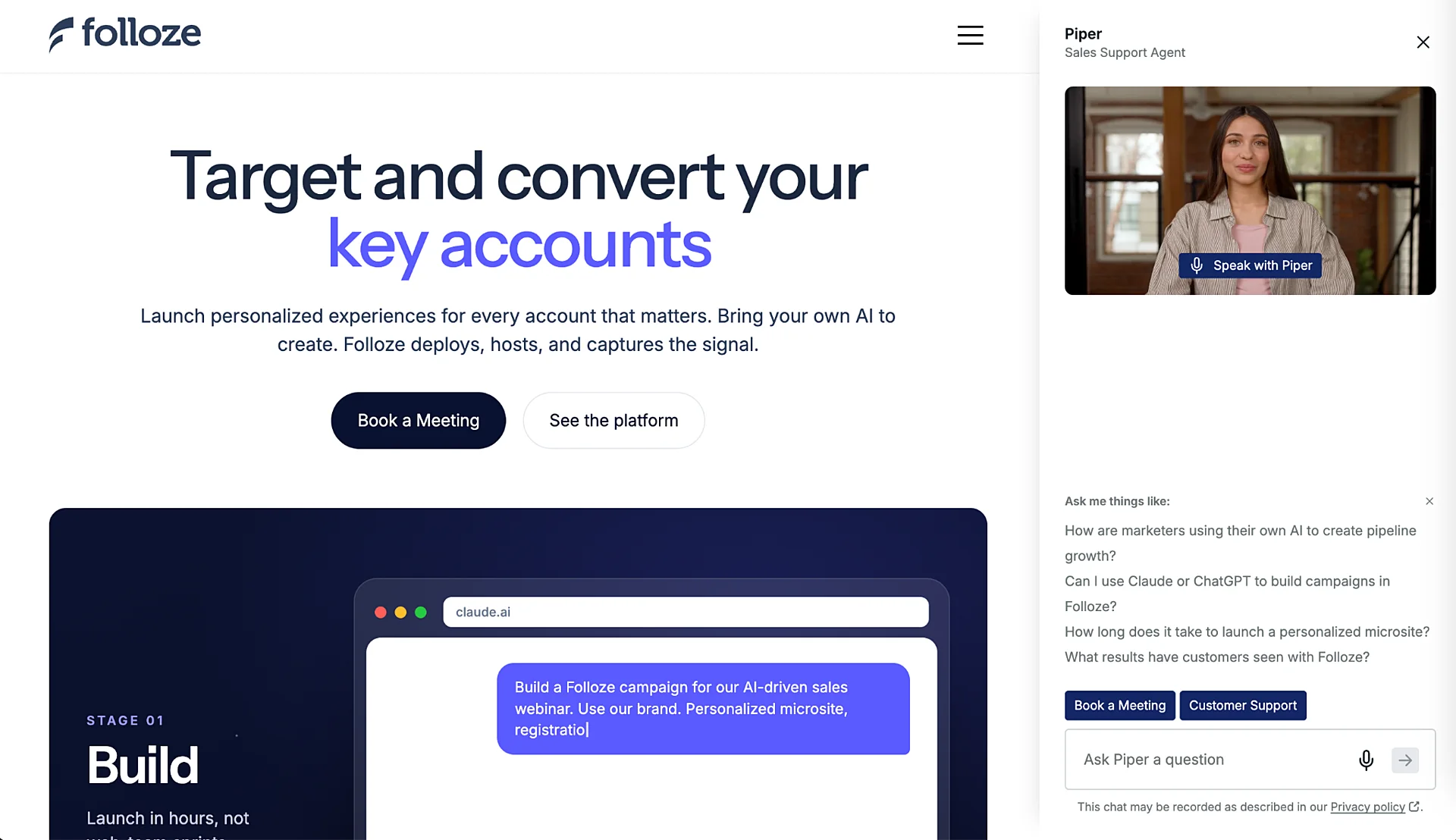
Build branded, tailored microsites for each client with Folloze. Put together all the materials and track which stakeholders view the content and what they spend the most time on.
Then, put those insights to good use and tailor your follow-ups to different stakeholders involved in the deal.
Key Features:
- Personalised content hubs and microsites
- Account-based buyer experiences
- Content engagement analytics
- Marketing and CRM integrations
HubSpot
Best for CRM and Lead Nurturing
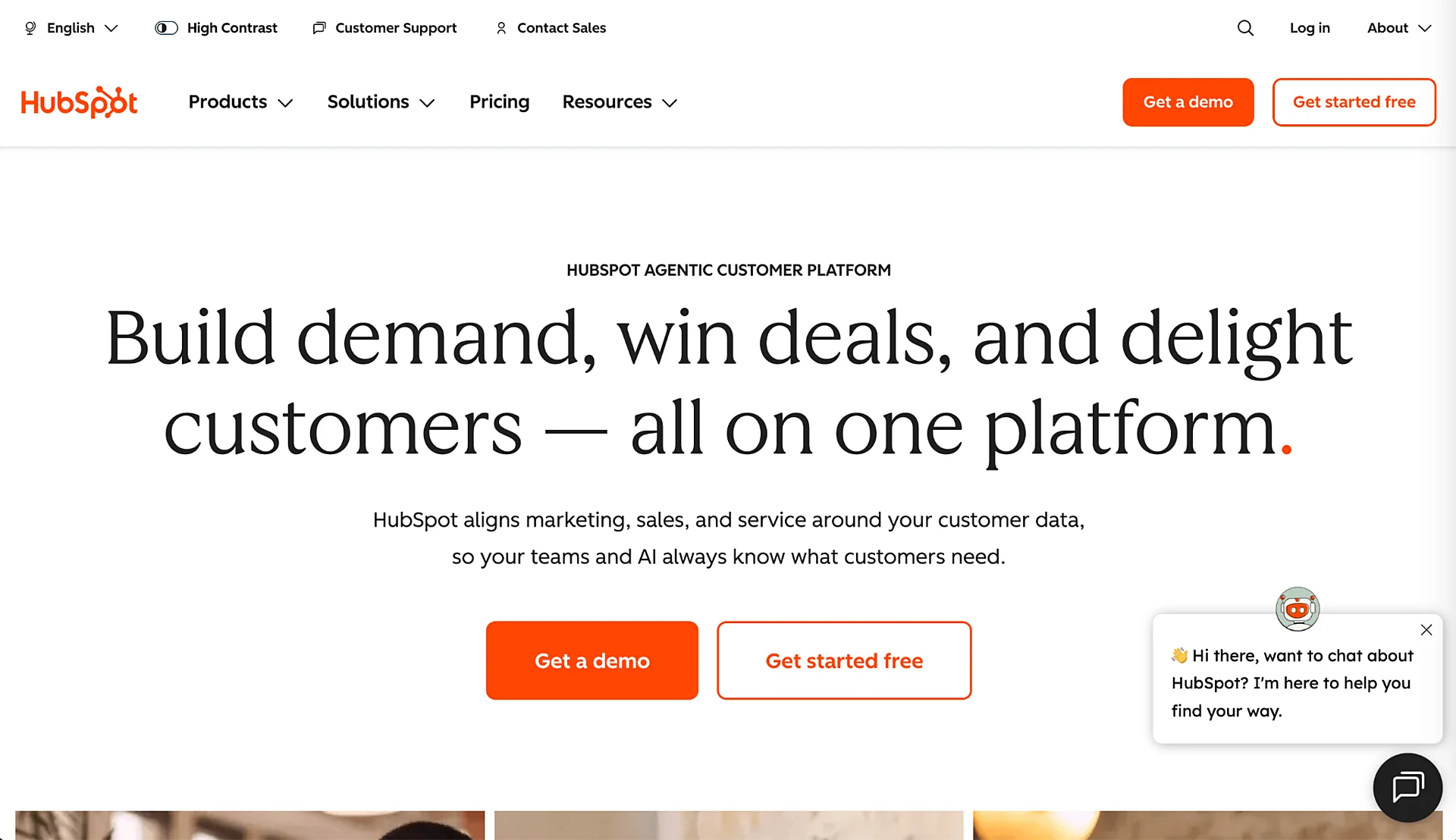
HubSpot brings marketing and sales together in one system and makes life easier for everyone, clients included. HubSpot’s CRM gives all the teams a shared view of each contact:
- Personal details
- Website activity
- Email interactions
- Previous conversations
Sales reps can see what prospects are interested in, track deals and follow up at the right time.
And marketing on their end can segment contacts and automate targeted emails.
Key Features:
- Contact and company management
- Sales pipeline tracking
- Marketing automation
- Lead scoring and segmentation
- Forms and email campaigns
How to Build a Lead Generation Stack That Works Together
It makes little sense to have your team re-enter details by hand or piece together someone’s history from different tools, praying nothing crucial has been missed.
So, to avoid costly mistakes, let’s make a stack that’s connected and easy to use.
- Prospecting: Apollo or ZoomInfo
- Email verification: Truelist
- Lead capture and qualification: JivoChat, involve.me, or Popl
- LinkedIn prospecting and outreach: LinkedHelper
- Outreach and calls: Reply.io, CloudTalk or KrispCall
- Contact management: HubSpot
Conclusion
There's little sense in changing how the team operates just to accommodate new software (even if the software promises it’ll save hours of work and fix every gap in your process).
Focus on what you actually need and, most importantly, check that your tools integrate to save your team time and headache down the line.