Most social teams publish far more video than they did a year ago. Few of them explain how. The tools doing the heavy lifting rarely show up in case studies or conference talks. The pressure behind this is easy to explain. A 2026 roundup from Vidico reports that short-form video takes 58% of all time spent on social media. Marketers also rank it first for return on investment. Wyzowl's 2026 survey found that 82% of video marketers report a good ROI. HubSpot's 2026 State of Social data shows only 29% of marketers use AI for video generation. That gap is the opportunity. This guide focuses on how each tool fits into a working week, not on feature lists. You'll learn which job each tool does, what it costs in practice, and where it breaks down. Pricing reflects what vendors published in late 2026, so confirm it at checkout.
Seven tools, seven different jobs
The tools below don't compete head to head. Each one removes a different bottleneck in the video pipeline. Picking the right one starts with knowing where your own pipeline slows down.
Magic Hour takes the top spot because it covers the widest range of jobs under one login. It handles generation, lip sync, translation, and upscaling. OpusClip mines long recordings for short clips, and CapCut handles fast mobile-first finishing.
Descript edits video through text, and HeyGen produces avatar presenters and translated videos. Submagic specializes in captions and short-form polish. Runway generates cinematic footage for hero shots and concept tests.
| Tool | Starting Price | Best For | Key Differentiator | Free Option |
|---|---|---|---|---|
| Magic Hour | About $15/month (annual billing) | Variant production at volume | One workspace for generation, lip sync, translation, upscaling | Yes, with daily credits |
| OpusClip | $15/month | Repurposing long recordings | Finds clip-worthy moments automatically | Yes, 60 minutes/month |
| CapCut | Free, Pro varies by region | Fast mobile-first finishing | Templates and auto captions in one editor | Yes |
| Descript | $16/month (annual billing) | Dialogue-heavy video | Edit footage by editing the transcript | Yes, 60 media minutes |
| HeyGen | $29/month | Avatars and translation | Lip-synced translation into 175+ languages | Yes, limited videos |
| Submagic | $19/month | Animated captions | Caption-first short-form polish | Limited |
| Runway | $15/month | Generated hero footage | Access to multiple frontier video models | Yes, one-time credits |
1. Magic Hour: The all-in-one workhorse
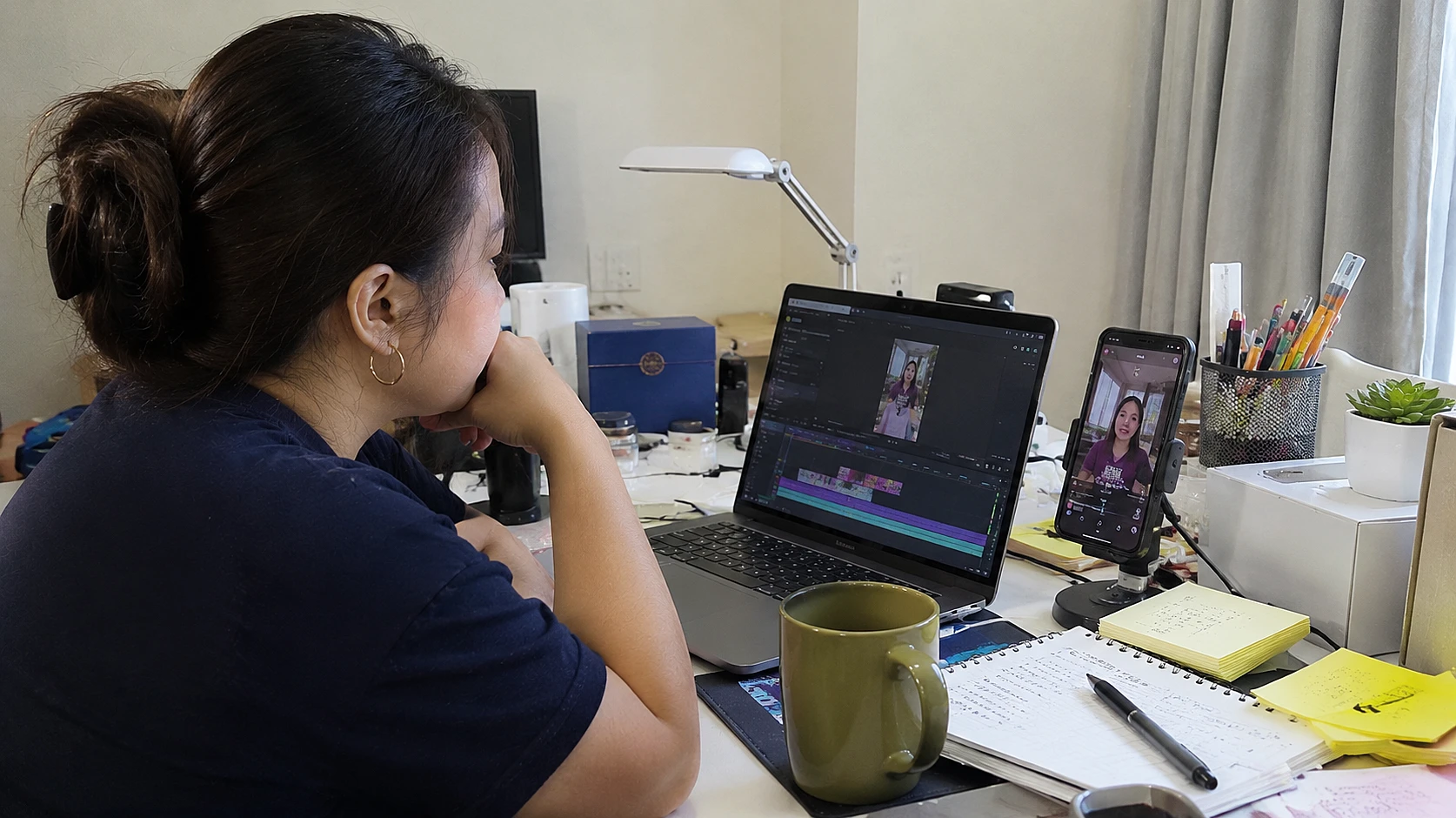
Magic Hour bundles dozens of generation and editing tools under one account. Text to video, image to video, lip sync, face swap, translation, upscaling, and subtitles all live in one workspace. Capterra describes it as a platform that helps teams produce social-ready content fast.
The real value for marketers is fewer handoffs. One asset can move from still image to animated clip to translated, upscaled export without leaving the platform. That matters when you're producing variations for several channels.
The job it does
Marketers use it to turn one concept into many testable variants. Start with a product photo or brand illustration, then animate it with image-to-video. Add a voiceover with lip sync for a talking-product effect.
Next, run the same clip through translation and subtitles for regional feeds. Use the upscaler or AI image editor before posting, because platforms compress uploads aggressively and soft footage looks worse afterward.
One habit pays off quickly. Generate several hook variations first, since the opening seconds decide retention. Then spend credits finishing only the winner.
Pricing in practice
There is a free tier. Free accounts receive signup credits and a small daily claim, and exports may carry a watermark. Free output is limited to personal use, so test with it but don't publish commercially from it.
Paid plans start around $15 a month on annual billing for Creator. Pro and Business raise the resolution ceiling from 1024px to 1472px, then to 4K. Paid plans and credit packs include watermark-free exports and commercial rights.
Credit packs never expire, which suits campaign-based work with uneven demand. Packs don't unlock higher resolutions or faster queues, though. Only subscriptions do that.
Strengths and trade-offs
The strength is breadth. You can prototype, finish, and localize without juggling five subscriptions. Paid plans also include API access, which helps teams automating batch production.
The trade-off is credit burn. Costs differ sharply by tool, and avatar-style or UGC ad outputs consume far more credits per minute than standard generation. Check the per-tool allowances before planning a month of output.
Who leans on it
Solo creators, small brand teams, and agencies producing many variations tend to get the most from it. Concurrent generations range from three on Creator to unlimited on Business. That ceiling matters when several people share one account.
2. OpusClip: A week of shorts from one recording
Podcasts, webinars, and interviews hold more usable moments than any team has time to cut. OpusClip finds those moments automatically. You upload a long video and get captioned vertical clips back.
What it does best
It is a repurposing engine, not a creation tool. It mines content you already have, so the quality of your source matters most. Clean audio and one or two speakers produce the best results.
Treat the output as a shortlist. The tool ranks clips by predicted performance, but it can't know your brand priorities. A human pass for hooks and framing still separates good clips from filler.
Credits follow source length, not clip count. One credit equals one minute of imported video. Trim your upload to the strongest 30 minutes before processing, and you'll stretch your allowance considerably.
What you'll pay
The free plan includes 60 processing minutes a month, with watermarked caption templates. Starter costs $15 a month for 150 minutes. Pro costs $29 for 300 minutes.
Do the math before subscribing. A weekly show with four hour-long episodes needs roughly 240 minutes, which exceeds Starter. Monthly credits also expire after 60 days, while yearly plans keep them valid for 12 months.
Where it shines and where it doesn't
It shines at turning speech-heavy content into a steady stream of posts. It struggles with visually driven footage, because its selection logic leans on the transcript. Heavy long-form users may find the per-minute model expensive.
Who's using it
One roundup reports that OpusClip has grown to 16 million creators. Podcasters, webinar hosts, coaches, and B2B content teams form the core audience.
3. CapCut: The quiet default for fast finishing
CapCut is hardly a secret, but many marketers underuse its AI side. Auto captions, background removal, AI avatars, and templates sit inside an editor built around TikTok-style pacing. It works across mobile, desktop, and web.
Why it earns its place
It is the finishing layer in many workflows. Footage from other tools lands here for trimming, captions, music, and brand treatment. CapCut Pro adds camera tracking, auto captions, AI avatars, and AI-generated images and video.
The smartest move is building templates once. Pro includes brand libraries and team templates, so one approved caption style can cover every post. That cuts review cycles more than any single AI feature.
Pricing breakdown
CapCut restructured its plans in 2026 into Standard and Pro tiers. The free plan still covers timeline editing and 1080p export. Its AI features carry monthly caps, such as limits on auto-caption minutes per video.
Pro unlocks 4K export and broader AI access. Prices vary by country and have changed several times, with sources reporting figures from under $10 to nearly $20 monthly. Confirm the number in your own checkout.
Pros and cons
The upside is speed and a generous free tier. The downside is that edits are manual by default. AI accelerates individual steps, but it doesn't replace an editor's judgment.
Customer base
Individual creators, small brands, and agencies that need quick turnarounds rely on it most. Pro's team templates make it workable for small groups sharing a visual identity.
4. Descript: Edit video by editing text
Descript flips the editing process. Instead of scrubbing a timeline, you edit a transcript. Delete a sentence and the matching footage disappears.
Where marketers use it
It fits dialogue-heavy content best: webinars, founder videos, customer interviews, and product walkthroughs. Studio Sound cleans up audio. Underlord, its AI co-editor, handles routine edits from a prompt.
Try this workflow. Remove filler words and long pauses in bulk first. Then cut a 10-minute recording down to a 60-second version by deleting whole paragraphs.
The transcript also becomes a content asset. You can pull quotes for captions, posts, and newsletters from the same file. Descript works best with recordings under 60 minutes, since longer files slow processing.
Cost and plan limits
The free plan gives you 60 media minutes a month with watermarked exports. Hobbyist costs $16 a month on annual billing, or $24 month to month. Creator runs $24 annually, and Business runs $50.
Media minutes and AI credits are metered separately. A September 2025 overhaul replaced the old transcription-hours model. Some paying users felt the goalposts had moved, so read the meters before committing.
The good and the bad
Editing speed on spoken content is unmatched. Visually complex, b-roll-heavy projects fit less naturally. The dual metering also takes some getting used to.
Notable users
Descript's pricing page says more than 6 million creators and teams use it. It lists Amazon, Canva, and Salesforce among them.
5. HeyGen: Avatars and translation for multi-market reach
HeyGen solves two problems. It creates presenter-style videos without a camera crew. It also translates existing videos into other languages with lip sync.
How marketers apply it
The translation feature offers the strongest return. Take your best-performing English video and localize it before making anything new. The creative is already proven, and the audience is fresh.
Avatars suit informational content such as FAQs, feature explainers, and onboarding clips. They work less well for emotional brand storytelling. Reviewers note that anything needing natural movement variety still requires real footage.
What the credits mean
The free plan allows a small number of watermarked videos each month. Creator costs $29 a month, or $24 on annual billing. It adds 175+ languages, voice cloning, and watermark removal.
HeyGen retired its legacy unlimited plans after May 15, 2026, and credits now govern premium features. Avatar III videos cost 3 credits per minute, while Avatar IV and V cost 20. The engine you pick changes how far your credits stretch.
Strengths and weaknesses
Lip-synced translation across 175+ languages is a real differentiator. The weak point is credit consumption on premium avatars. Heavy users should model monthly usage before choosing a tier.
Who it serves
It appeals to teams localizing content, businesses without on-camera talent, and training-focused marketers. Anyone running campaigns in several markets gets value quickly.
6. Submagic: Caption-first polish for short-form
Captions drive much of short-form performance, and manual styling is tedious. Submagic automates animated captions in the style audiences expect. It also adds B-roll, zooms, hook titles, and silence removal.
The role it plays
It polishes footage you already shot. It doesn't generate video from scratch. That narrow focus is why many creators use it as the last step before posting.
Reviewers cite caption accuracy near 99% on clear audio across roughly 48 to 50 languages. Still, proofread every brand name and piece of jargon. Automated transcription stumbles on proper nouns more than anything else.
Price and quotas
Starter costs $19 a month, or about $12 on annual billing. It covers 15 videos a month, each up to two minutes. Billing is per member.
Pro costs $39 a month. Business adds 4K export at 60 FPS. For most teams, the usage cap rather than the sticker price becomes the binding constraint.
Pros and cons
It is fast and focused. It is also limited to short-form, and the quotas bite quickly for agencies handling many clients. Work out your cost per published video, not your monthly fee. Who relies on it One directory reports more than 4 million users. Coaches, consultants, podcasters, and agencies repurposing talking-head content make up most of the base.
7. Runway: Generated footage for hero shots and concepts
Runway generates footage from text or images and edits existing video with AI. It also gives access to several third-party models through one subscription. Marketers use it for shots that would be costly to film.
Practical uses
Common uses include concept testing before a shoot, product-in-scene shots, and atmospheric b-roll. Generate short clips, then stitch them in an editor. Clips are brief by design, so plan scenes as sequences.
Budget for retries. Gen-4.5 costs 12 credits per second, so the Standard plan's 625 credits yield about 52 seconds. Not every generation will be usable, which makes your real cost per finished second higher.
Plan structure
The free plan gives 125 one-time credits. Standard costs $15 monthly, or $12 on annual billing. Pro costs $35 monthly, or $28 annually, with 2,250 credits.
Max costs $95 monthly, or $76 annually, with 9,500 credits. Higher tiers add storage, custom voices, and credit rollover. Credits are the real currency, so compare plans by seconds of footage.
The good and the bad
Output quality and model access are the draw. The cost per second is the drawback. It rewards teams who storyboard carefully before generating.
Customer base
Creative studios, ad agencies, and in-house brand teams use it most. Those running concept tests before committing production budget get the clearest benefit.
How marketers combine these tools
Few teams rely on a single tool. The pattern is a short chain where each tool handles what it does best. Your chain should follow your bottleneck. A podcast or webinar brand might chain Descript, OpusClip, and Submagic. Descript cleans the recording, OpusClip extracts the clips, and Submagic polishes the captions. An ecommerce brand might animate product images in Magic Hour, then finish in CapCut. Teams comparing motion tools can also skim our roundup of apps for turning images into video. A global brand can record once and localize with HeyGen. Then it adds captions for each market. A campaign team testing concepts might generate hero shots in Runway and produce variations in Magic Hour. Measure cost per published video, not cost per subscription. A cheap plan with tight quotas can cost more per post than a pricier plan with room to spare. Track both numbers for a month before consolidating tools.
Mistakes that waste credits
Several errors repeat across teams. The first is generating before scripting. Credits vanish fast when you iterate without a clear hook and goal. The second is publishing from a free tier. Free outputs often carry watermarks and restrict commercial use. Check the license before anything goes live. If your social video is meant to warm inbound conversations, pair the creative with solid lead-warming video habits. The third is skipping disclosure. TikTok, Instagram, and YouTube all ask creators to label realistic AI-generated content. Review current platform rules before launching paid campaigns. The fourth is trusting automated captions blindly. Proofreading takes two minutes, and errors damage credibility. Brand names deserve the closest look.
Final take: Match the tool to the bottleneck
The best stack depends on what slows you down. Here is how the seven break down by reader type. If you want one platform that covers generation, lip sync, translation, and upscaling, start with Magic Hour. It reduces handoffs and suits variant production. The free tier lets you test it on a real asset. If you sit on hours of recordings, pair OpusClip with Descript. If you finish everything on a phone, CapCut is the practical default. If captions are your weak spot, add Submagic. If you sell across markets, HeyGen's translation earns its cost. If you need cinematic footage without a shoot, Runway fits, provided you budget for retries. For ad-production budgeting context, see what creating marketing ad videos with AI can cost. Ready to test the workflow? Pick one campaign asset and run it through Magic Hour's free tier this week. You'll see quickly how much of your video pipeline can be automated.